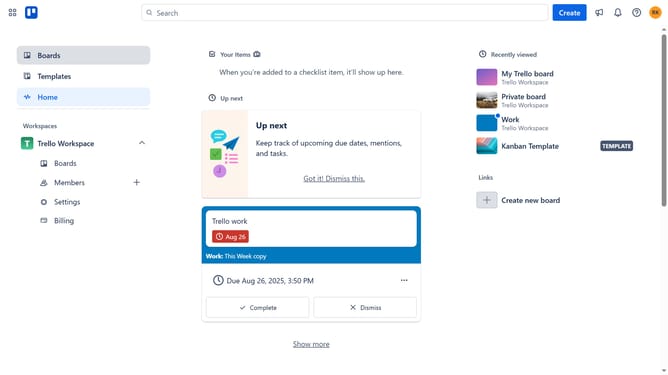
How to add zoho desk power-up in Trello
Here is how to add zoho desk power-up in trello
- First click on the "Boards" option in the left sidebar
- Then click a board in the workspace section
- Click on the "More" menu button (three dots) in the top-right corner of the board
- Select "Power-Ups" option from the dropdown menu
- Scroll down in the power-ups menu
- Select the "Sales & support" category from the left sidebar
- Scroll down in Sales & support menu
- Click the "Add" button under Zoho Desk power-up
- Finally click the "Add" button to install the Zoho Desk Power-Up
Why should you add zoho desk power-up in Trello
Trello is a dynamic project management tool that helps teams organize tasks and streamline workflows.
Adding the Zoho Desk power-up to Trello enhances this functionality by seamlessly integrating customer support features into your boards. This integration allows for efficient ticket management and quick access to customer queries.
By combining Trello's intuitive interface with Zoho Desk's robust customer support capabilities, teams can improve collaboration and maintain superior customer service. The result is increased productivity and streamlined operations, fostering better team dynamics.
Last update