How to filter cards with no labels in Trello
Here is how to filter cards with no labels in trello
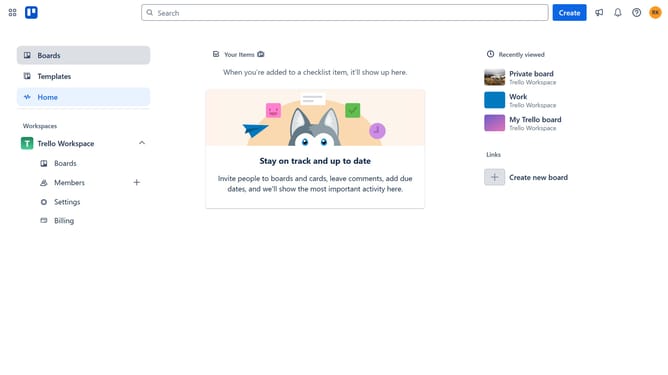
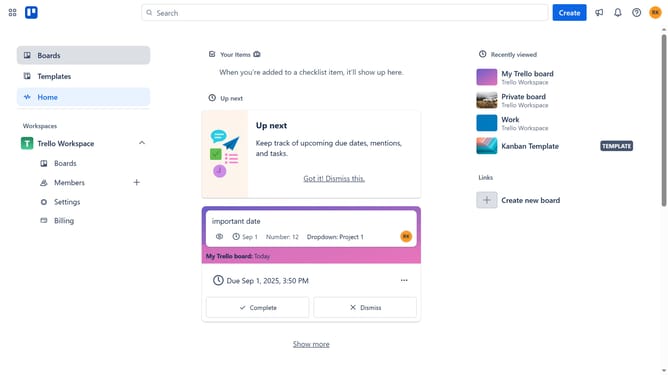
- First click on the "Boards" option in the left sidebar
- Then click a board in the workspace section
- Next click on the "Filter" button in the top-right corner of the board
- Scroll down in the filter menu
- Finally click on the "No labels" option in the Labels section of the filter menu
Why should you filter cards with no labels in Trello
Trello is a dynamic tool designed for organizing tasks and projects with ease and clarity.
Filtering cards with no labels in Trello helps streamline and declutter boards, allowing you to focus on tasks that may need categorization or attention. It simplifies task management by highlighting unlabeled cards for more structured workflow.
Using this feature ensures that no task goes unnoticed and enhances team productivity by providing a clear visual overview of items that require action, ultimately leading to better organization and efficiency.
Last update