How to add dashio power-up in Trello
Here is how to add dashio power-up in trello
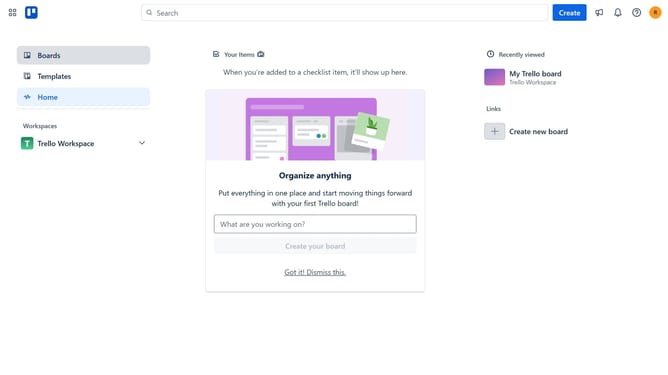
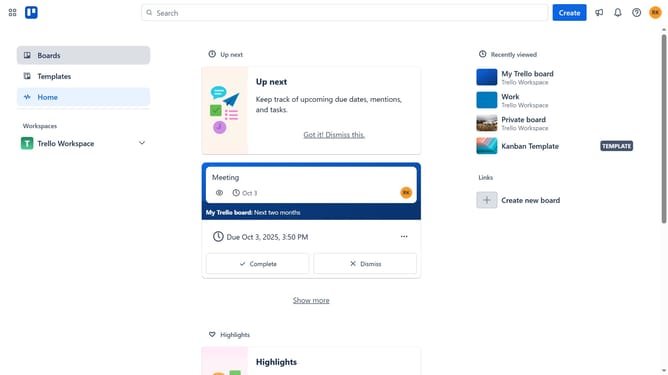
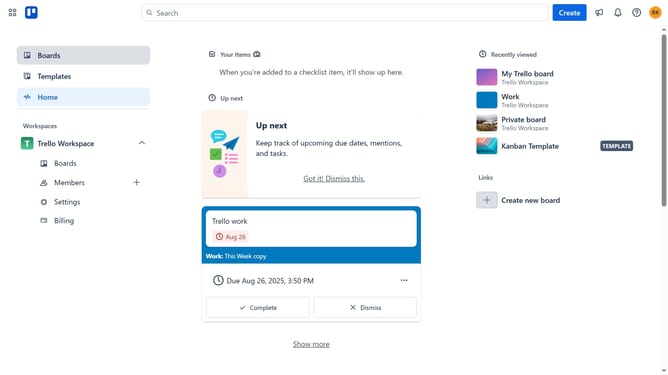
- First click on the "Boards" option in the left sidebar
- Then click a board in the Trello Workspace section
- In the board view, click on the "More" menu (three dots) in the top-right corner
- Select "Power-Ups" option from the dropdown menu
- In the Power-Ups window, select "Analytics & reporting" category from the left sidebar
- Scroll down to find the "Dashio" Power-Up
- Click on the "Add" button under the Dashio Power-Up
- Finally click the "Add" button in the confirmation dialog to install the Power-Up
Why should you add dashio power-up in Trello
Trello is an intuitive project management tool designed to streamline workflows and boost productivity.
Adding the Dashio Power-Up in Trello significantly enhances your experience by integrating clear and concise visual reporting directly into your boards.
This feature provides insightful dashboards that assist in tracking progress and making informed decisions efficiently.
The Dashio Power-Up optimizes your ability to monitor tasks, leading to increased team alignment and project success.
Last update