How to collapse a list in Trello
Here is how to collapse a list in trello
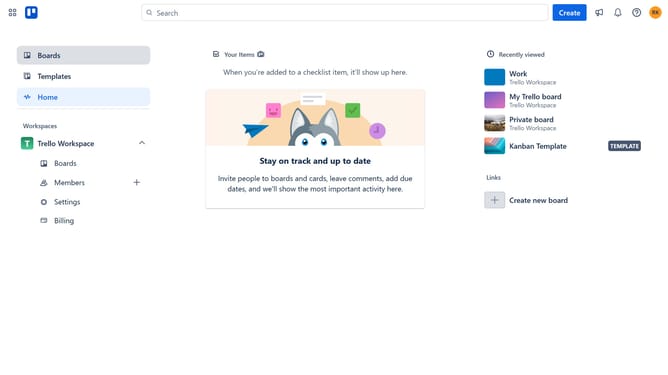
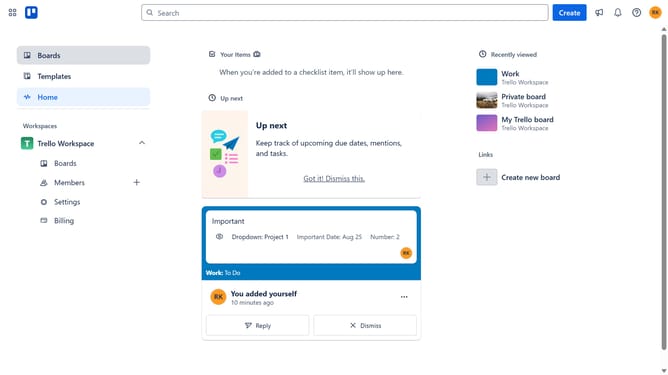
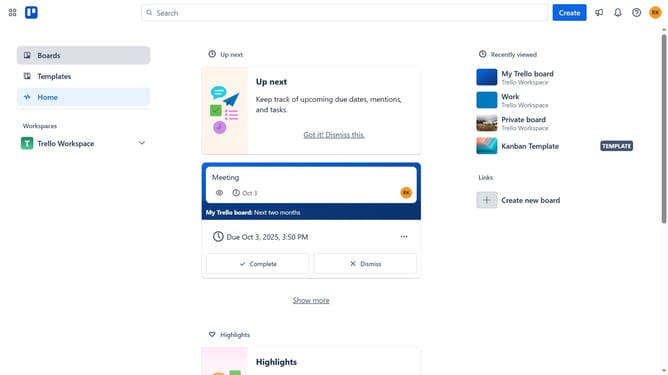
- First click on the "Boards" option in the left sidebar menu
- Then click a board in the workspace section
- Finally click on the collapse icon at the top right of the list to collapse the list details
Why should you collapse a list in Trello
Trello is a versatile project management tool designed to streamline workflows and enhance team collaboration.
The feature to collapse a list in Trello offers users a cleaner and more organized board view. By minimizing lists, you can focus on the tasks that matter without unnecessary distraction. This is particularly useful when boards become cluttered with numerous lists and tasks.
Collapsing lists not only helps in managing visual space but also in reducing cognitive load, enabling more efficient navigation through tasks. Embrace this feature for a more structured and productive Trello experience.
Last update