How to add ezy task ai power-up Trello
Here is how to add ezy task ai power-up trello
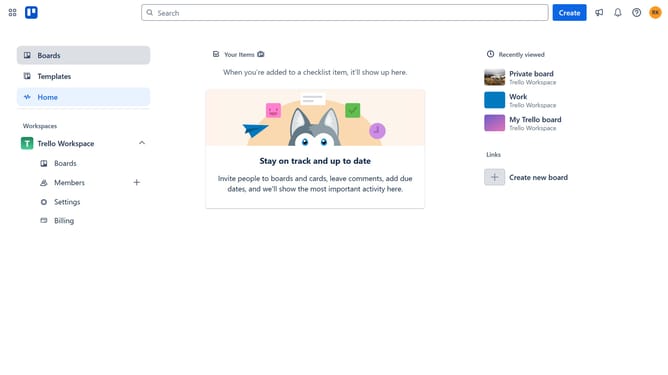
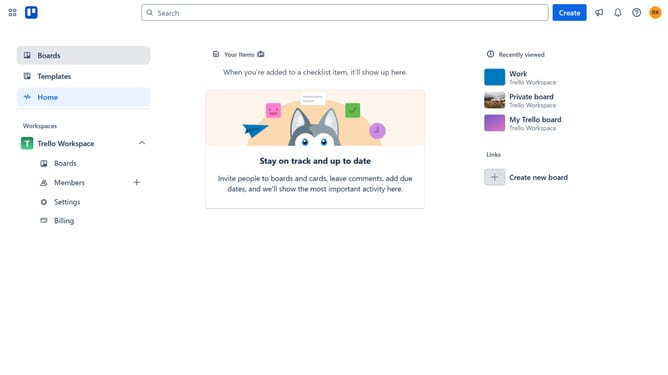
- First, click on the "Boards" item in the left sidebar
- Then click a board in the workspace area
- Click on the "More options" menu (three dots) button in the top right corner
- Select "Power-Ups" option from the dropdown menu
- Click on the "Automation" category in the left sidebar of Power-Ups window
- Scroll down in the automation list
- Click the "Add" button under the "Ezy Task AI" power-up in the list of automation tools
- Finally, click the "Add" button in the confirmation dialog to enable the Ezy Task AI power-up
Why should you add ezy task ai power-up Trello
Trello is a dynamic tool designed to streamline project management and enhance team collaboration.
By integrating the Ezy Task AI Power-Up, Trello users can leverage advanced automation to effortlessly optimize their workflow. This feature empowers teams by automating routine tasks, allowing them to focus on more strategic efforts.
The Ezy Task AI enhances productivity with intelligent task management, ensuring that deadlines are met and priorities are maintained. It significantly reduces manual input, providing Trello users with more time to innovate and drive projects forward efficiently.
Last update