How to add card export powerup in Trello
Here is how to add card export powerup in trello
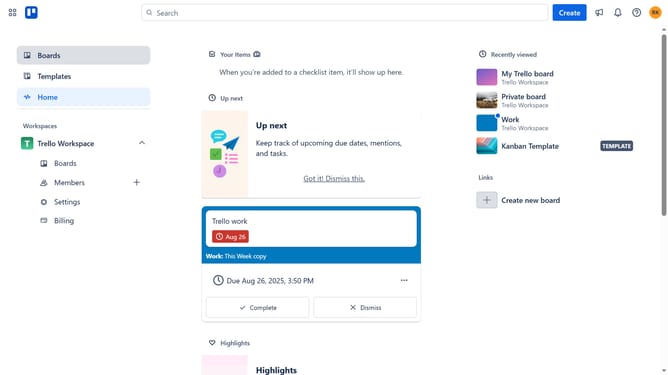
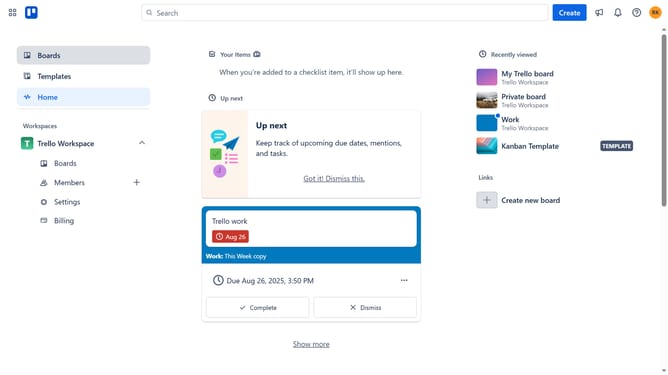
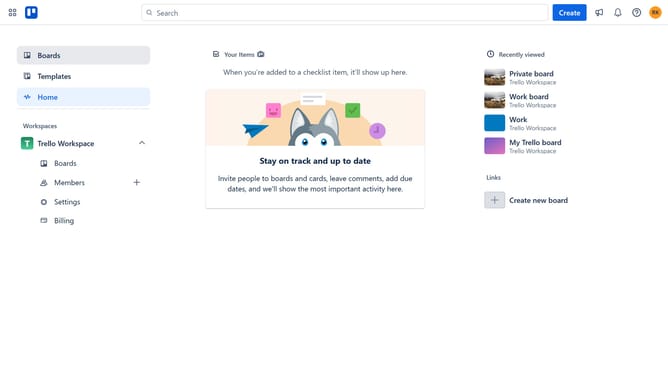
- First click on the "Boards" option in the left sidebar menu
- Then click a board in the workspace section
- Next click on the "More" (three dots) menu button in the top-right corner of the board
- Click on "Power-Ups" option in the dropdown menu
- Select "Analytics & reporting" category from the left sidebar
- Click on the "Add" under the Export Cards to CSV, EXCEL or PDF
- Finally click "Add" button on the "Export Cards to CSV, EXCEL or PDF" power-up
Why should you add card export powerup in Trello
Trello is a dynamic collaboration tool designed to help individuals and teams organize tasks and projects efficiently.
Adding a card export power-up in Trello enhances the user experience by allowing easy data transfer and analysis. This feature empowers users to seamlessly export their Trello cards into various formats, making data handling more versatile.
By utilizing the card export power-up, users can effectively manage their workflow, ensuring critical information is readily accessible outside of Trello for reporting and planning purposes.
This functionality greatly assists in maintaining a seamless transition of task-related data to external platforms, ensuring enhanced productivity and streamlined processes.
Last update