How to add import to trello by blue cat power-up in Trello
Here is how to add import to trello by blue cat power-up in trello
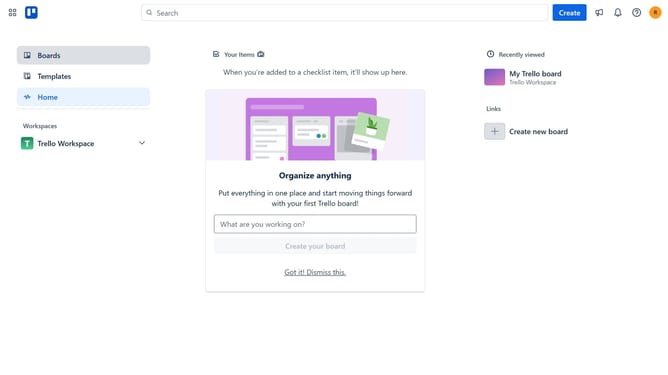
- First click on the "Boards" option in the left sidebar menu
- Then click a board in the workspace section
- Next click on the "More" (three dots) button in the top-right corner of the board
- Then click on "Power-Ups" option in the dropdown menu
- In the Power-Ups window, click on "File management" category in the left sidebar
- Then click on the "Add" button under the "Import to Trello by Blue Cat" power-up
- Finally click on the "Add" button in the confirmation dialog to install the power-up
Why should you add import to trello by blue cat power-up in Trello
Trello is a dynamic project management tool that streamlines collaboration through its intuitive, card-based system.
The Blue Cat Power-Up enhances this experience by allowing users to easily import data into Trello, making it a versatile feature for those who manage complex tasks.
This feature is beneficial for integrating data from various sources, ensuring no information is lost and improving productivity across teams.
By simply adding imports to Trello with this Power-Up, teams can maintain consistency and stay organized, thereby enhancing overall project efficiency.
Last update