How to close a board in Trello
Here is how to close a board in trello
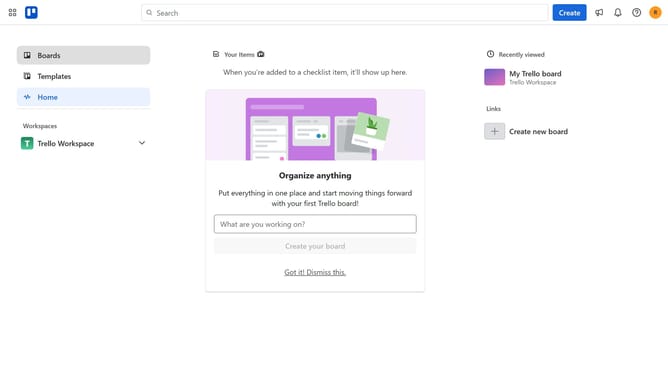
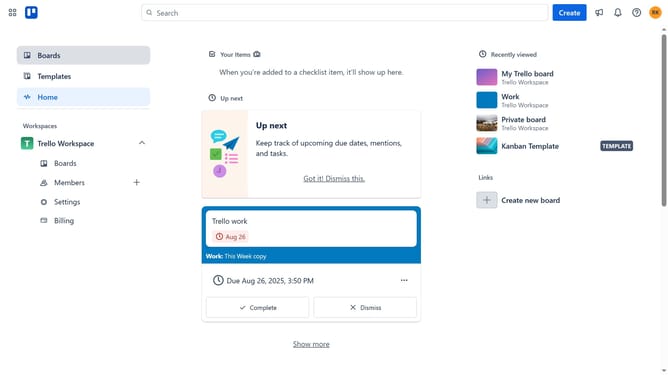
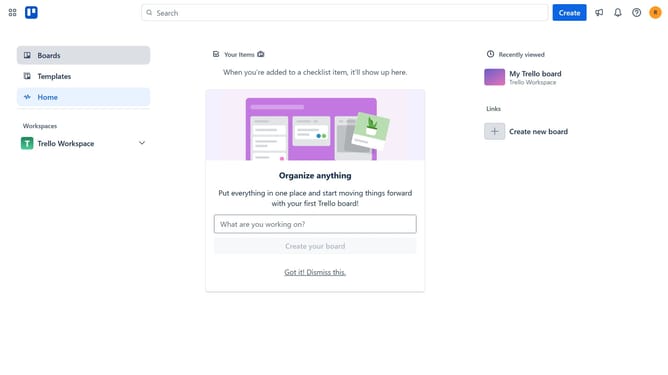
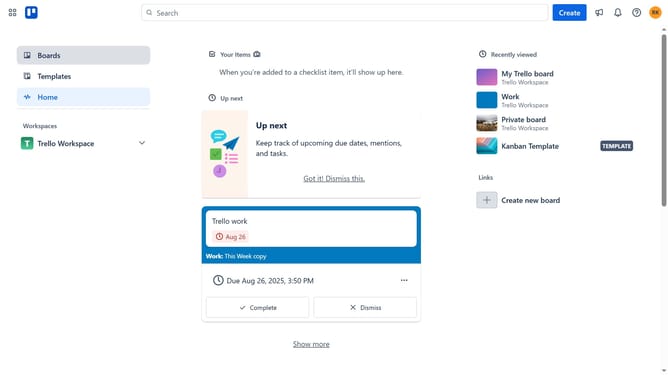
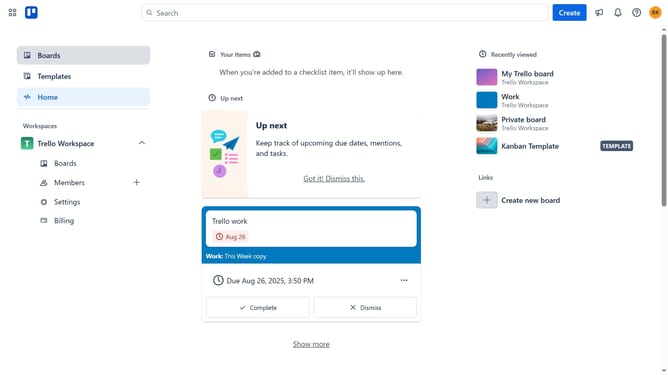
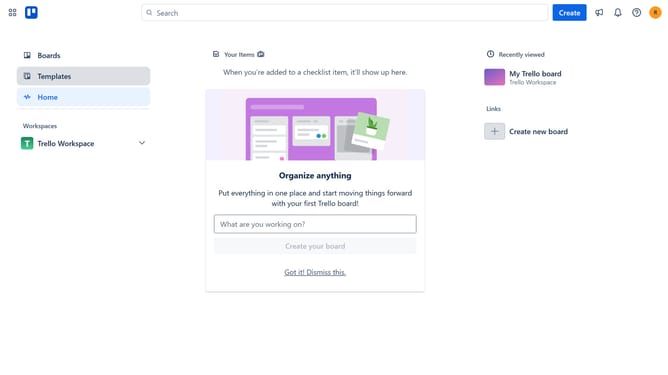
- First click on "Boards" option in the left sidebar
- Then click on "Work board" tile in the workspace section
- Next click on the "Menu" button (three dots) in the top-right corner
- Then scroll down in the menu dropdown option
- Then click on "Close board" option at the bottom of the menu
- Finally click the red "Close" button in the confirmation dialog
Why should you close a board in Trello
Trello is a highly intuitive tool designed to streamline project management and enhance productivity.
The feature of closing a board in Trello is a handy way to tidy up your workspace by setting aside projects that are no longer active.
This action helps maintain focus on current tasks, preventing clutter from outdated boards.
By closing boards, you preserve their valuable information while creating a more organized and efficient environment for your ongoing projects.
Last update