How to add confluence cloud in Trello
Here is how to add confluence cloud in trello
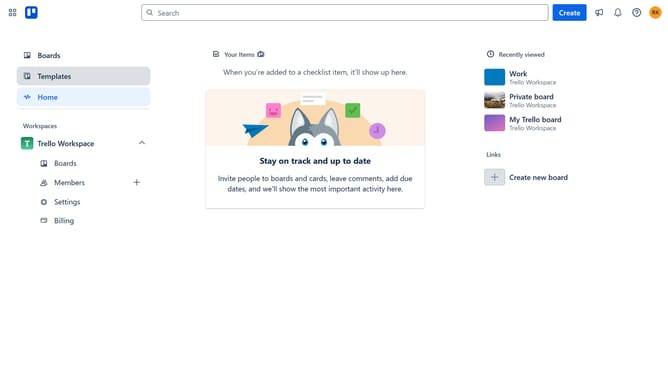
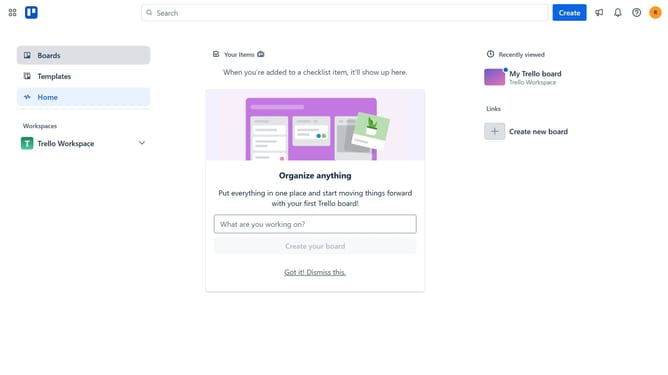
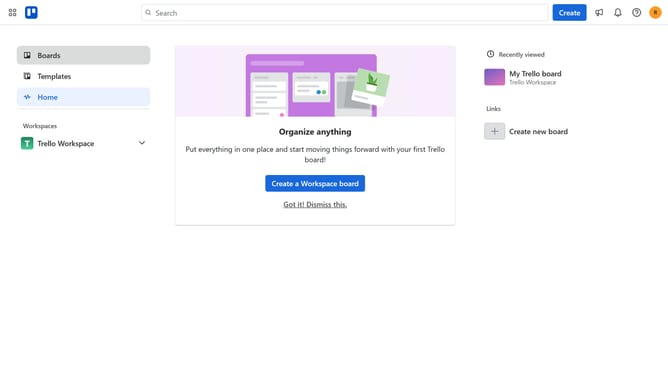
- First click on the "Boards" option in the left sidebar menu
- Then click a board in the workspace section
- Click on the board menu "..." button in the top-right corner
- Select "Power-Ups" option from the dropdown menu
- In the Power-Ups window, click on "Communication & collaboration" category in the left sidebar
- Scroll down in the Communication & collaboration section
- Finally click the "Add" button under the "Confluence Cloud" power-up to install it
Why should you add confluence cloud in Trello
Trello is a versatile project management tool that helps teams organize tasks efficiently and collaborate seamlessly.
By integrating Confluence Cloud into Trello, you enhance your project's resource accessibility, ensuring that critical documents, notes, and project details are available at your fingertips.
This feature empowers teams by fostering better communication, minimizing context switching, and streamlining workflows.
Ultimately, it leads to greater productivity and smoother project execution, making teamwork more effective.
Last update