How to add on card power-up in Trello
Here is how to add on card power-up in trello
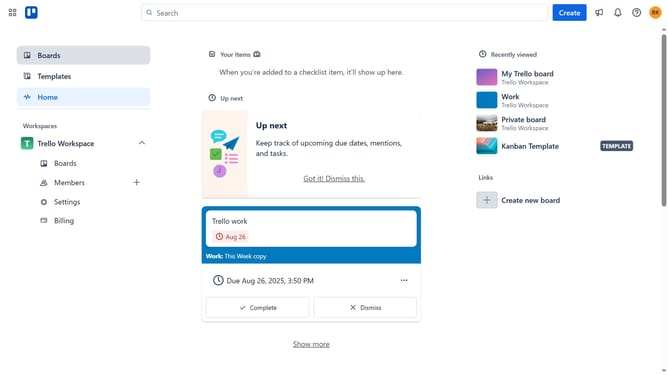
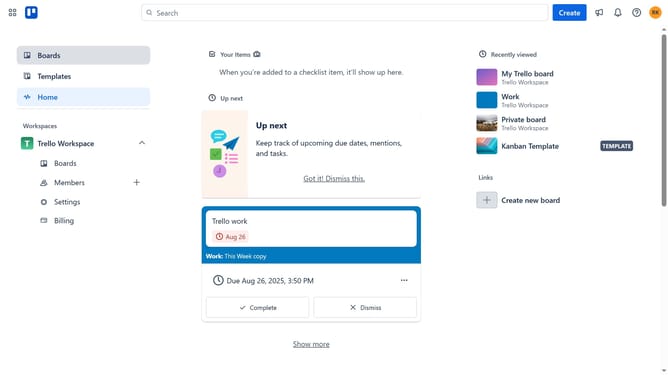
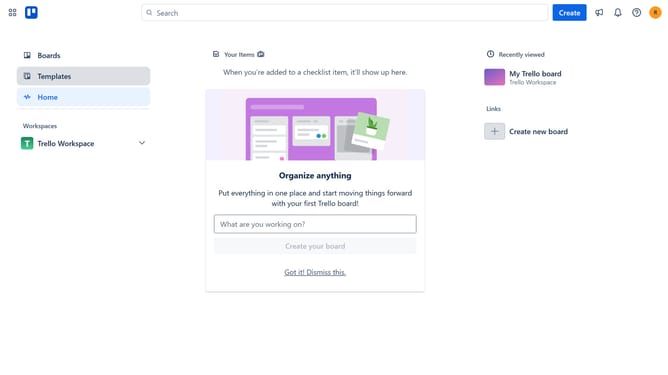
- First click on the "Boards" option in the left sidebar
- Then click board in the workspace section
- Click on the "More" menu button (three dots) in the top-right corner
- Select "Power-Ups" option from the dropdown menu
- Click on the "Automation" category in the left sidebar of the Power-Ups window
- Scroll down in the automation list
- Locate and click the "Add" button under "On Card: Bank, Payoneer, Paypal, Crypto Accounts" Power-Up
- Finally click the "Add" button in the confirmation dialog to enable the Power-Up
Why should you add on card power-up in Trello
Trello is a versatile project management tool crafted to streamline task organization and collaboration.
Adding a card power-up in Trello enhances your boards by embedding extra functionality directly onto your cards. This feature grants the ability to integrate additional tools like custom fields, calendars, and time tracking directly where your work lives.
Utilizing card power-ups empowers teams to cater their workflow to specific needs, increasing productivity and facilitating seamless collaboration while keeping every member on the same page.
Last update