How to add probackup power-up in Trello
Here is how to add probackup power-up in trello
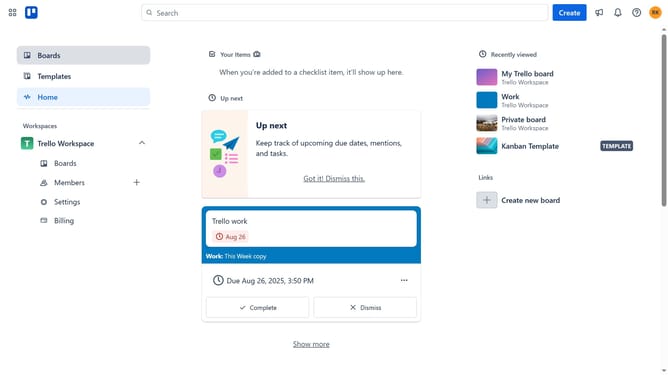
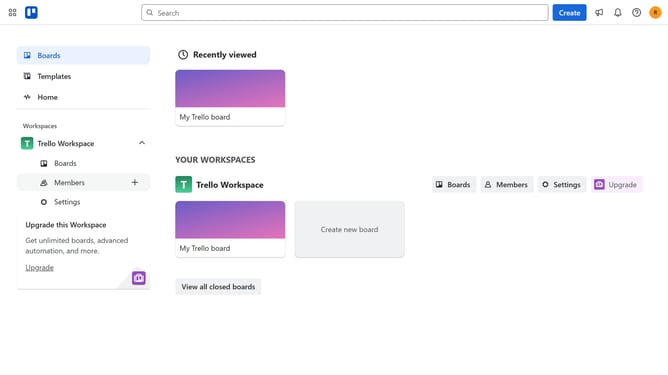
- First click on the "Boards" item in the left sidebar
- Then click a board in the main workspace area
- Next click on the "More options" (three dots) button in the top-right corner
- Then select "Power-Ups" option from the dropdown menu
- Scroll down using the scrollbar on the right side of the Power-Ups window
- Click on "IT & project management" category in the left sidebar
- Select "ProBackup for Trello" power-up by clicking its "Add" button
- Finally click the "Add" button in the confirmation dialog to complete the installation
Why should you add probackup power-up in Trello
Trello is a dynamic project management tool that organizes tasks with ease and flexibility.
Adding the ProBackup Power-Up to Trello ensures that your invaluable data is safeguarded securely. With seamless integration, Trello users can experience peace of mind, knowing that their boards, cards, and other essential information are automatically backed up.
The ProBackup feature is invaluable for maintaining consistent data integrity, protecting against sudden data loss, and providing an effortless restoration option when needed. Its reliable support ensures that your projects remain on track without disruptions.
Last update