How to clear card filters in Trello
Here is how to clear card filters in trello
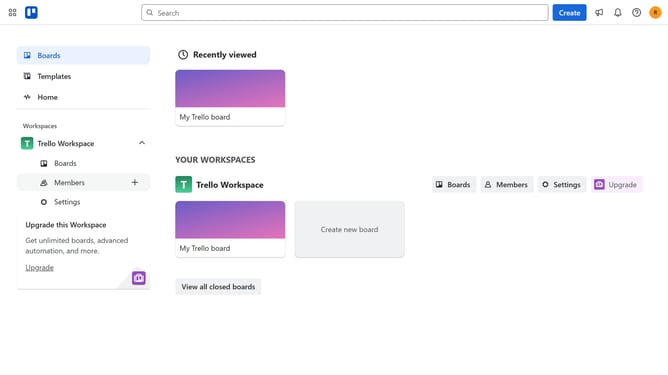
- First click on the "Boards" option in the left sidebar menu
- Then click a board in the workspace section
- Finally click on the "Clear all" button at the top of the board
Why should you clear card filters in Trello
Trello is a dynamic project management tool designed to streamline task tracking and enhance team collaboration.
A useful feature is the ability to clear card filters, which allows users to view their entire board without any filtering conditions.
This is especially beneficial when wanting to see the full scope of a project, ensuring no detail is overlooked.
By quickly clearing filters, teams can switch from a narrowed view to a broader perspective seamlessly, enhancing adaptability and efficiency in project management.
Last update