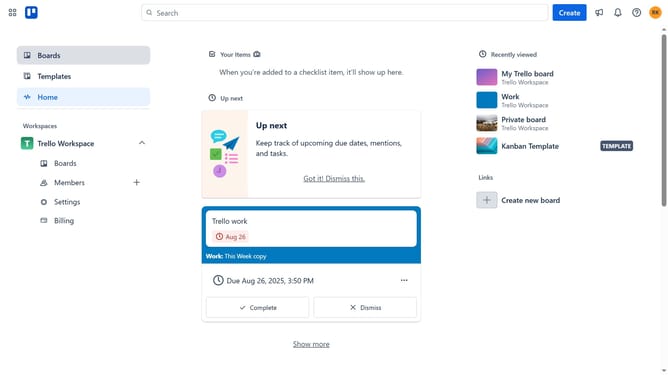
How to sort boards alphabetically A–Z in Trello
Here is how to sort boards alphabetically a–z in trello
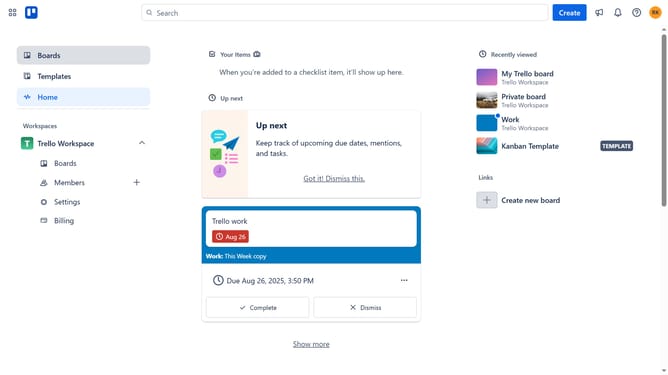
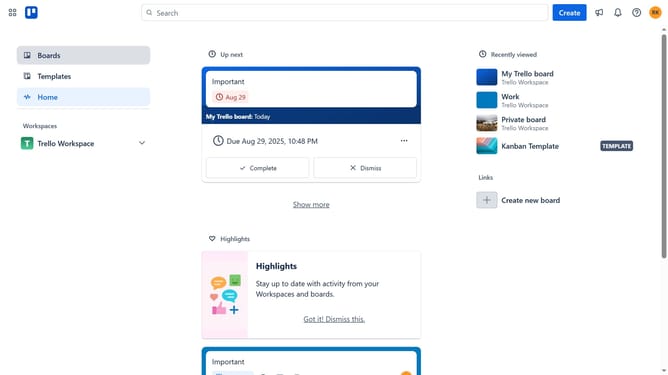
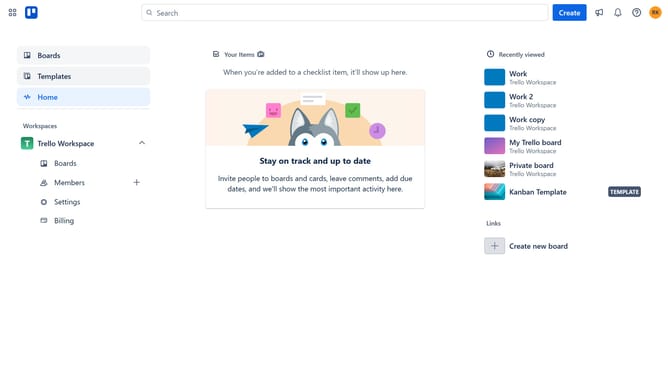
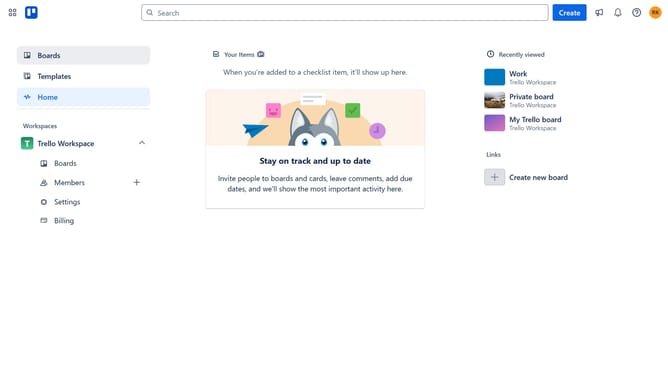
- First click on the "Boards" option in the left sidebar
- Then click on the "Boards" tab in the workspace navigation menu
- Next click on the sort dropdown menu
- Finally select "Alphabetically A-Z" from the sorting options dropdown
Why should you sort boards alphabetically A–Z in Trello
Trello is a dynamic tool designed for organizing tasks and projects efficiently.
Sorting boards alphabetically A–Z in Trello is a handy feature that brings order to your workspace by arranging boards for easy navigation.
By using this feature, you can swiftly find the board you need among numerous projects, saving valuable time and enhancing productivity.
This organized view reduces clutter and stress, allowing for a more focused workflow and seamless project management.
Last update