How to add a checklist to a card in Trello
Here is how to add a checklist to a card in trello
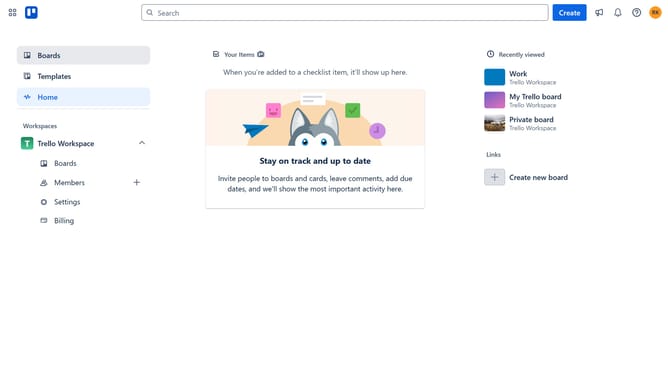
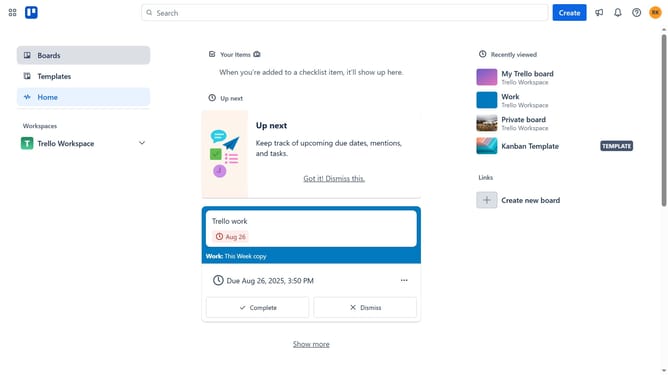
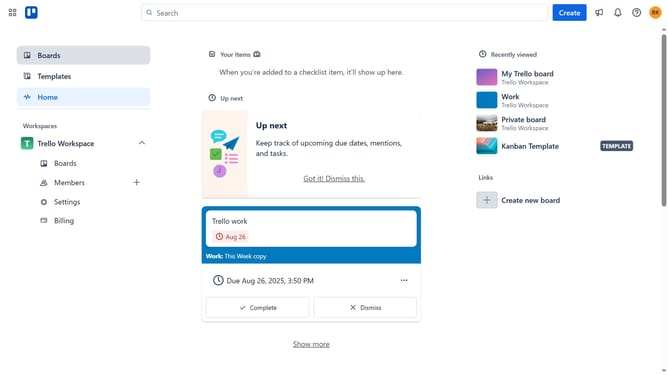
- First click on "Boards" in the left sidebar
- Then click on the board where you want to add a checklist in the workspace section
- Next click on the card where you want to add a checklist
- Then click on the "Add" button in the card details
- Next click on "Checklist" option from the Add menu
- Then click "Add" in the checklist dialog
- Next click on the "Add an item" text input field and type in an item for your checklist
- Finally click on "Add" button to complete adding the checklist for your card
Why should you add a checklist to a card in Trello
Trello is a versatile project management tool designed to organize your tasks seamlessly.
Adding a checklist to a card in Trello is a simple yet powerful feature that enhances task management. It allows users to break down bigger tasks into smaller, manageable steps directly on the card.
This feature aids in ensuring that no detail is overlooked and provides a clear path to completion.
Using checklists helps streamline workflow, boosts productivity, and fosters a sense of accomplishment when checking off completed items.
Last update