How to add a label to a card in Trello
Here is how to add a label to a card in trello
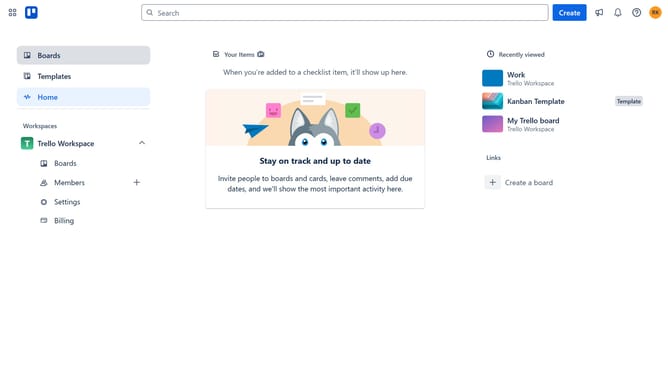
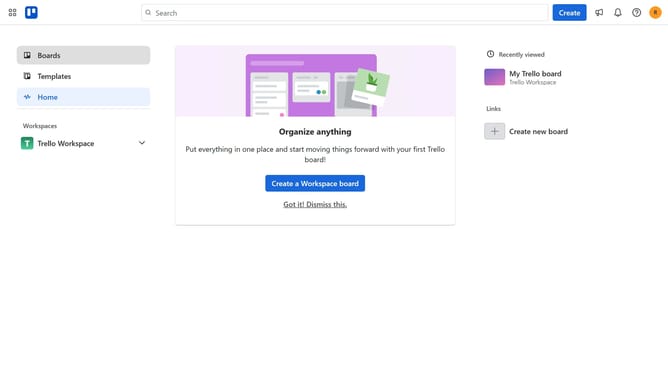
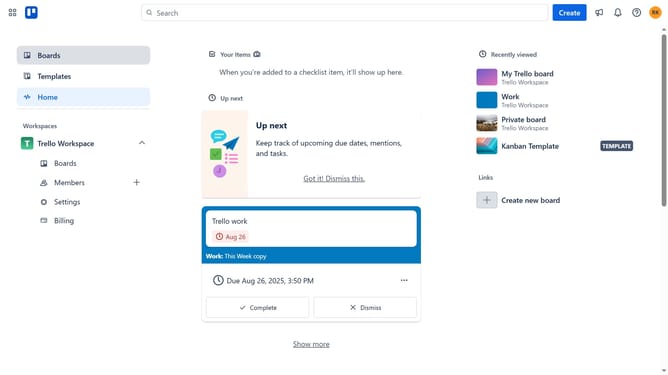
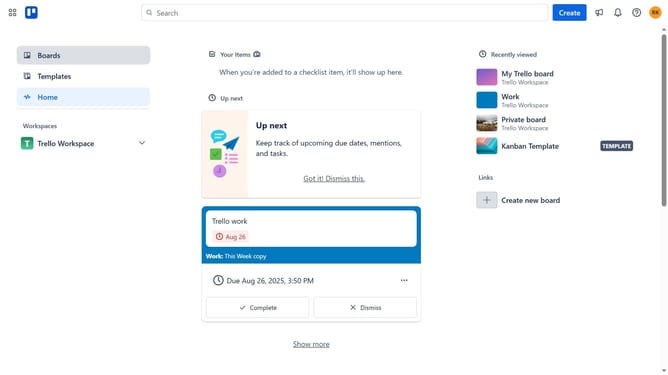
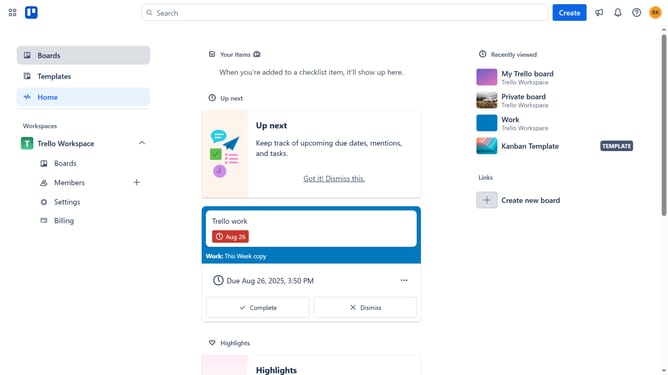
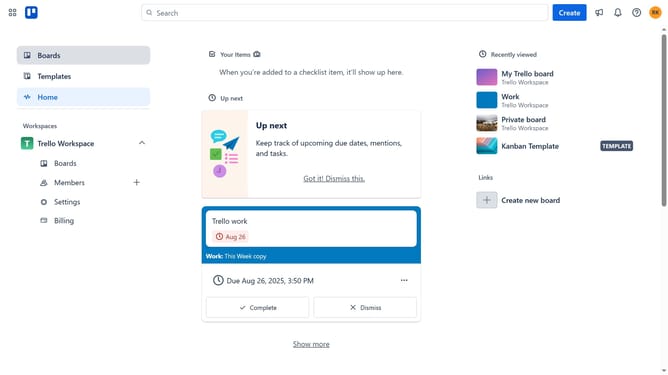
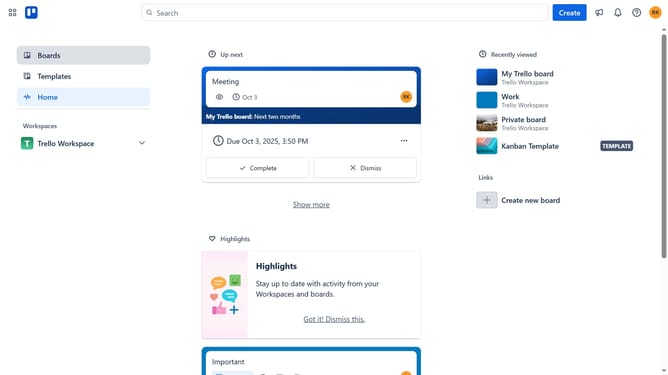
- First click on the "Boards" option in the left sidebar
- Then click on the board that contains the card where you want to add a label in the Workspace section
- Next click on the card where you want to add a label
- Then click on the "Add" button in the card details
- In the dropdown menu, click on the "Labels" option
- Click the checkbox next to the label you want to apply to the card
- Finally click on the "X" button to close the labels popup
Why should you add a label to a card in Trello
Trello is a versatile project management tool designed to streamline collaboration and boost productivity.
Adding a label to a card in Trello is a simple yet powerful feature.
Labels enhance organization by categorizing tasks, making it easier to prioritize and find information quickly.
By visually differentiating tasks through labels, teams can enhance clarity, leading to smoother workflows and ensuring that no important details are overlooked.
Last update