How to sort list by date created newest first in Trello
Here is how to sort list by date created newest first in trello
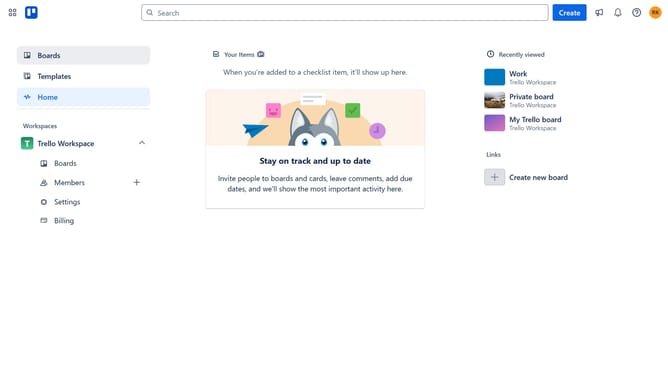
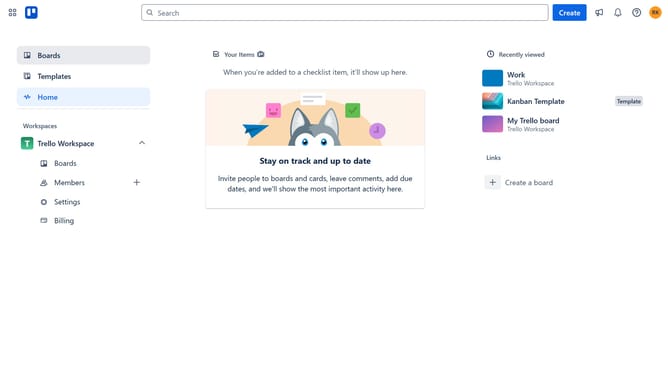
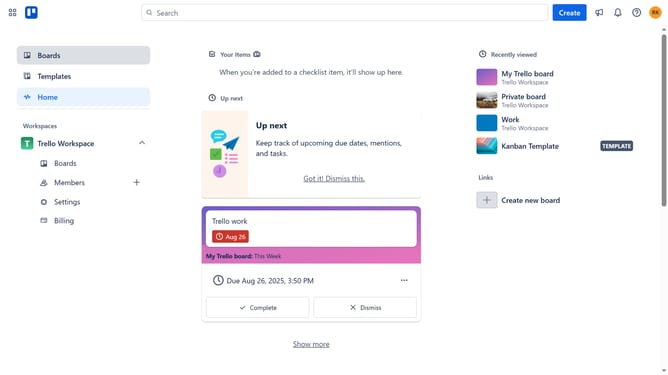
- First click on the "Boards" option in the left sidebar menu
- Then click a board in the workspace board list
- Next click the list options menu (three dots) next to the list you want to sort
- Then click "Sort by..." option in the list actions menu
- Finally select "Date created (newest first)" from the sort options dropdown
Why should you sort list by date created newest first in Trello
Trello is a dynamic tool designed to streamline workflow and enhance organization through its intuitive board and card system.
Sorting lists by date created with the newest item first helps teams instantly identify recent tasks, advancing efficiency and productivity. This feature is particularly beneficial in fast-paced environments where staying on top of the latest updates is crucial.
By allowing users to see the most recently created tasks upfront, Trello ensures that nothing important slips through the cracks. This promotes effective task prioritization and timely completion.
Last update