How to add crble power-up in Trello
Here is how to add crble power-up in trello
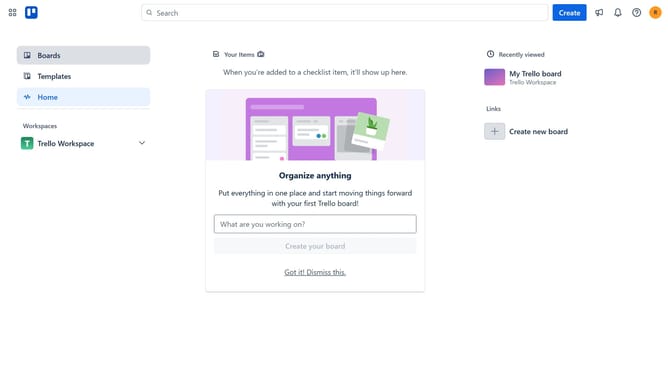
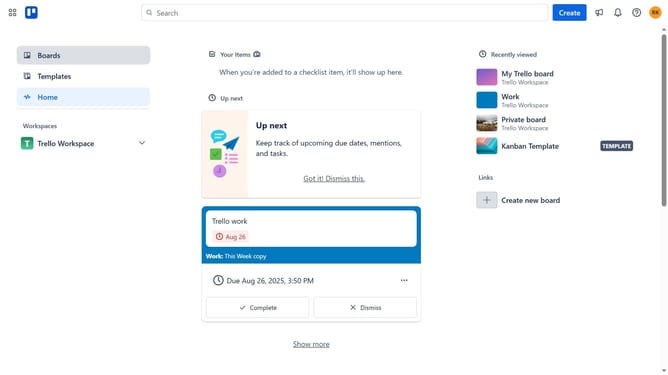
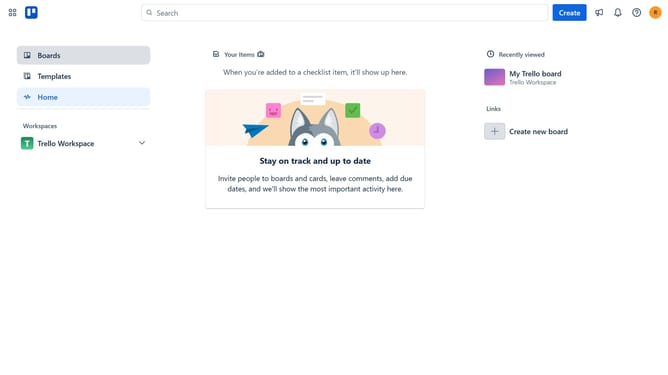
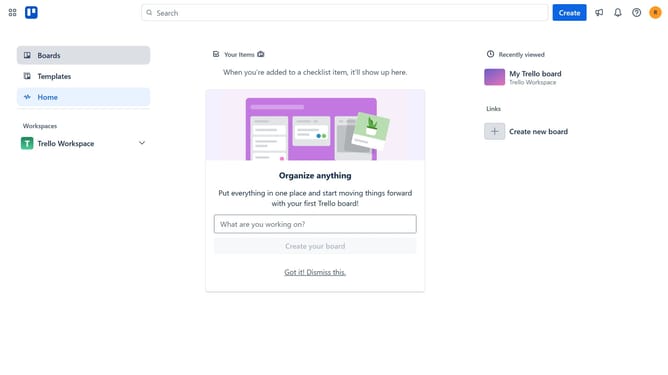
- First click on the "Boards" option in the left sidebar menu
- Then click a board in the workspace section
- Next click on the "More" menu (three dots) button in the top-right corner of the board
- Then click on the "Power-Ups" option in the dropdown menu
- Next click on the "HR & operations" category in the left sidebar of the Power-Ups window
- Then click on the "Add" button for the Crmble Power-Up
- Finally click on the "Add" button in the Crmble confirmation dialog
Why should you add crble power-up in Trello
Trello is a dynamic tool that streamlines project management through customizable boards and cards.
The crble power-up in Trello integrates seamlessly to enhance your productivity by offering additional time tracking and reporting features.
This power-up enables teams to monitor performance metrics efficiently, fostering a culture of transparency and accountability.
Utilizing crble empowers teams to make data-driven decisions, ultimately boosting efficiency and achieving project goals with greater precision.
Last update