How to add office file viewer power-up in Trello
Here is how to add office file viewer power-up in trello
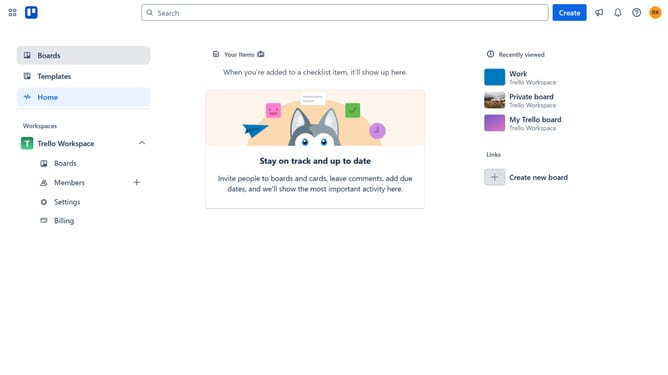
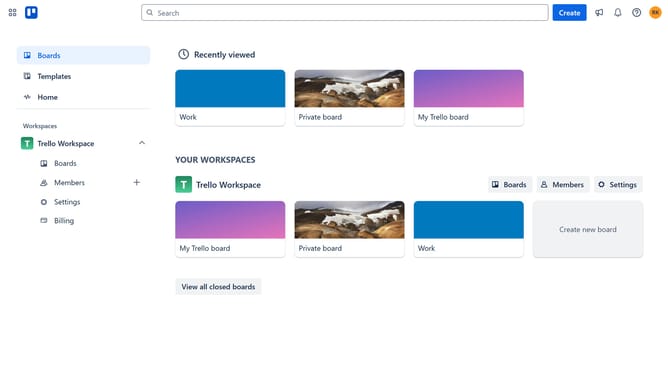
- First click on "Boards" in the left sidebar menu
- Then click a board in the workspace section
- Click on the "More" menu (three dots) button in the top-right corner
- Select "Power-Ups" option from the dropdown menu
- Click on "File management" category in the left sidebar
- Click on "Office File Viewer - Tiny Power-Ups Club" option
- Click the "Add" button under the Office File Viewer power-up card
- Finally click "Add" button in the confirmation dialog to enable the power-up
Why should you add office file viewer power-up in Trello
Trello is a dynamic and user-friendly project management tool that organizes tasks and enhances teamwork.
Adding the Office File Viewer Power-Up in Trello allows you to seamlessly view and interact with your Office documents directly from your boards.
This feature enhances productivity by eliminating the need to switch between different apps, offering a more streamlined workflow.
By using this Power-Up, teams can collaborate more effectively, ensuring that everyone stays on the same page with ease and efficiency.
Last update