How to add board2export by ez powerups in Trello
Here is how to add board2export by ez powerups in trello
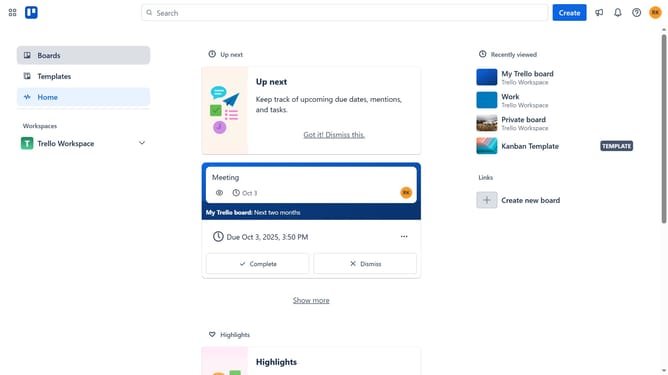
- First, click on the "Boards" option in the left sidebar menu
- Then click a board in the workspace section
- Next click on the "..." (three dots) menu button in the top-right corner
- Click on the "Power-Ups" option in the dropdown menu
- In the Power-Ups menu, select the "Automation" category from the left sidebar
- Click the "Add" button under the "Board2Export by Ezy Powerups" option in the automation list
- Finally, click on the "Add" button next to "Board2Export by Ezy PowerUps" power-up
Why should you add board2export by ez powerups in Trello
Trello is a versatile project management tool designed to streamline task organization and collaboration for teams of all sizes.
Incorporating the board2export feature by ez powerups into Trello effortlessly enhances your workflow. This feature allows you to easily export Trello boards, making data management straightforward and efficient.
Utilizing board2export can save time and improve productivity by enabling users to back up information or analyze projects offline. The simplicity of exporting your board ensures your team stays focused on what truly matters—completing tasks and achieving goals.
Last update