How to add mermaid gantt in Trello
Here is how to add mermaid gantt in trello
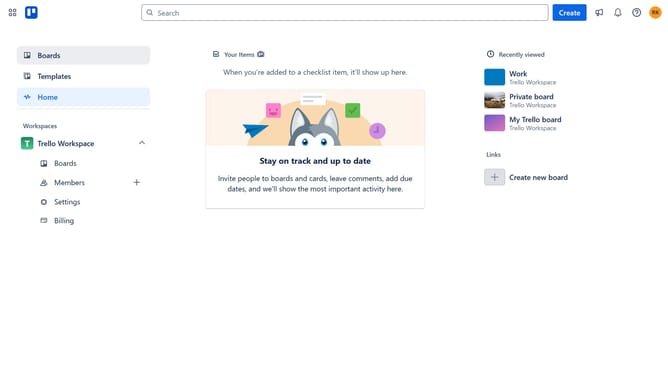
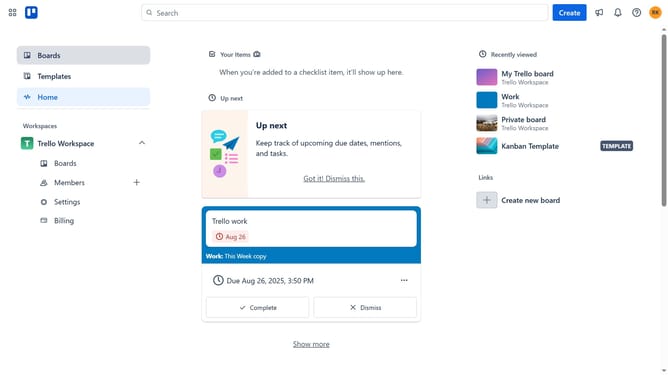
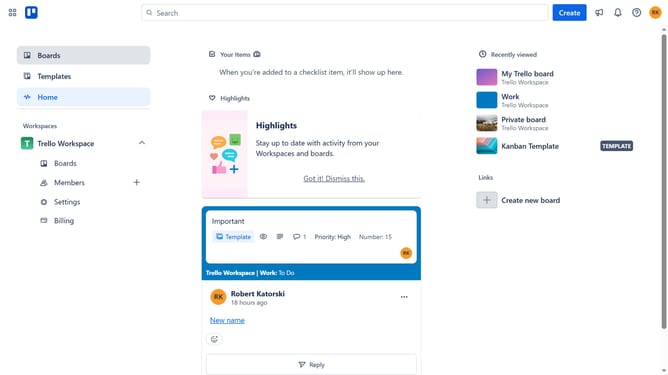
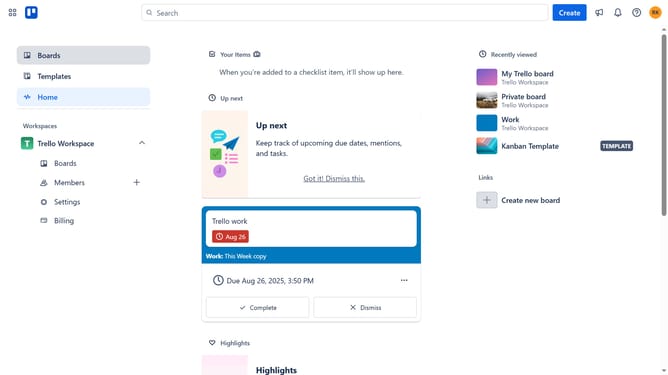
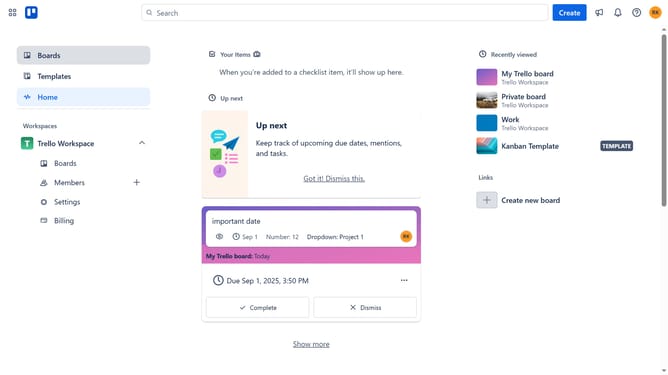
- First click on "Boards" in the left sidebar menu
- Then click a board in the workspace area
- Next click on the "More options" menu (three dots) in the board header
- Then click on "Power-Ups" option in the dropdown menu
- Next click on "Analytics & reporting" category in the Power-Ups sidebar
- Then click on "Add" button next to the "Mermaid Gantt" Power-Up
- Next click on "Add" button in the Mermaid Gantt confirmation dialog
- Finally click on "Authorize with Trello" button in the Mermaid Gantt welcome dialog
Why should you add mermaid gantt in Trello
Trello is a dynamic visual tool that simplifies project management and fosters team collaboration.
Integrating a Mermaid Gantt chart into Trello enhances your workflow by visually representing project timelines and task dependencies directly on your boards.
This feature allows teams to easily track project progress and deadlines, ensuring everyone stays aligned and tasks are completed efficiently.
By visualizing timelines, you gain a clearer overview of project statuses, making it easier to identify potential bottlenecks and optimize resource allocation.
Last update