How to delete custom fields in Trello
Here is how to delete custom fields in trello
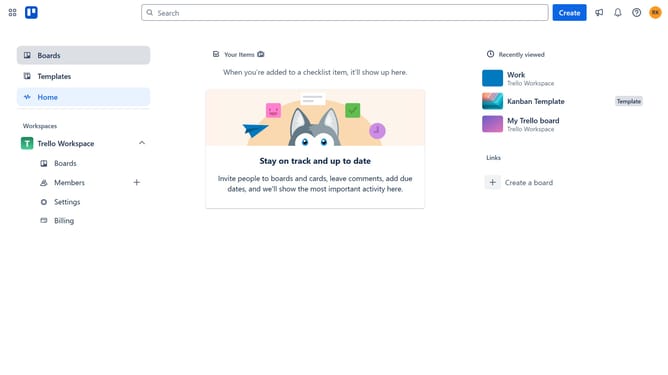
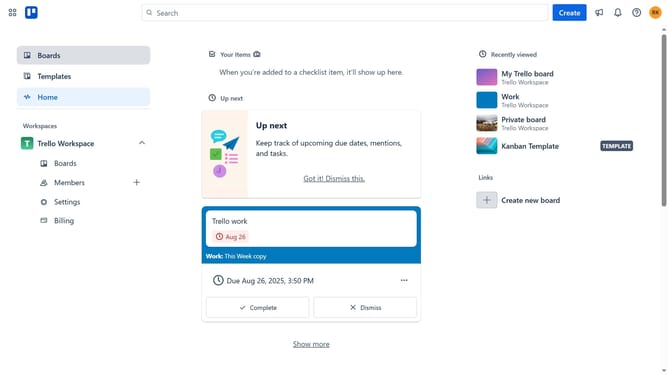
- First click on the "Boards" option in the left sidebar menu
- Then click on the board you want to delete a custom field from in the workspace boards list
- Click on the "More options" button (three dots) in the top-right corner of the board
- Select "Custom Fields" from the board menu options
- Click on the custom text field you want to delete in the custom fields list
- Click on the "Delete field" link in the field settings
- Click the field name input field and type in the exact name of the custom field that you are trying to delete
- Finally click on the "Delete field" button to confirm deletion
Why should you delete custom fields in Trello
Trello is a dynamic tool designed to optimize team collaboration by organizing tasks effectively on boards.
The ability to delete custom fields in Trello is pivotal for maintaining an uncluttered workspace. By managing these fields, users can ensure that only relevant and necessary information is displayed, enhancing team focus and productivity.
This feature empowers users to refine their boards as projects evolve, helping them to adapt quickly to new priorities by removing outdated or redundant data.
Ultimately, this allows teams to maintain a clear and streamlined overview of their tasks, fostering a more efficient workflow.
Last update