How to set board visibility to workspace in Trello
Here is how to set board visibility to workspace in trello
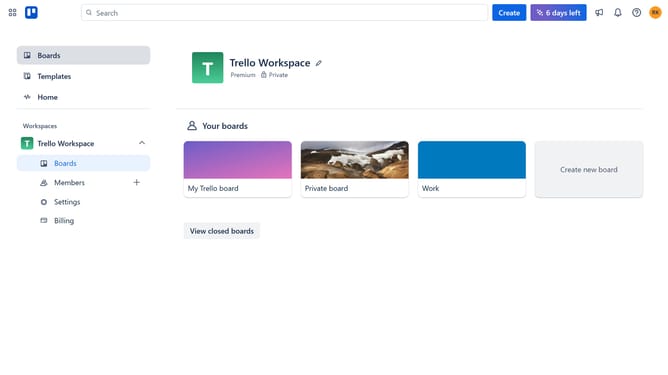
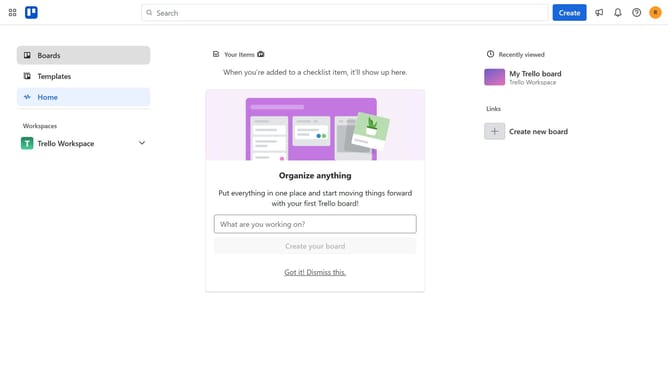
- First click on the "Boards" option in the left sidebar menu
- Then click on the "Work" board tile in the workspace section
- Next click on the menu button (three dots) in the top-right corner of the board
- Then click on visibility option in the dropdown menu
- Finally select "Workspace" visibility option from the visibility settings
Why should you set board visibility to workspace in Trello
Trello is a dynamic project management tool designed to streamline task organization and enhance team collaboration.
Setting board visibility to workspace in Trello allows team members to access and collaborate on projects seamlessly without unnecessary barriers. This feature promotes transparency and inclusivity, enabling everyone within the workspace to stay informed and contribute effectively.
By centralizing visibility, Trello ensures smoother communication, reduces miscommunication, and fosters a synergistic work environment, ultimately driving team productivity and success forward.
Last update