How to add portant document merge power-up in Trello
Here is how to add portant document merge power-up in trello
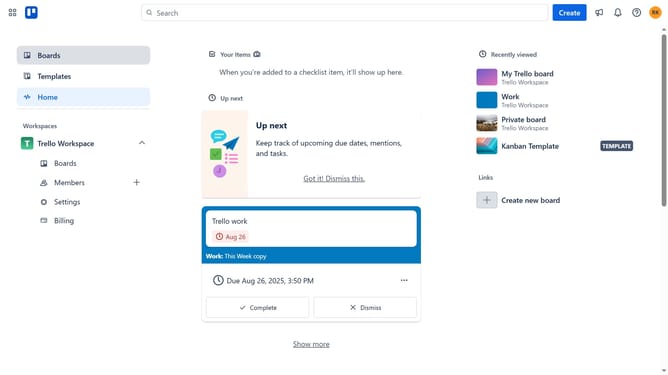
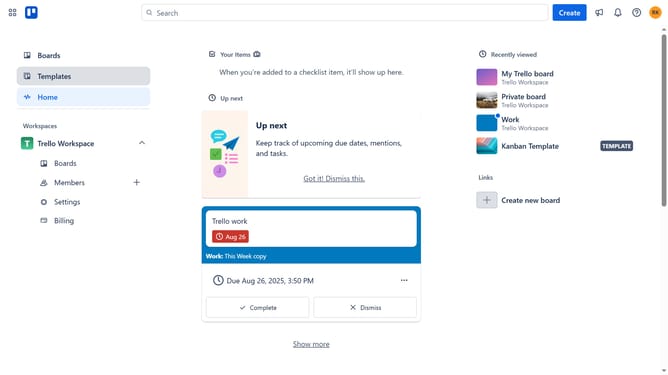
- First click on the "Boards" item in the left sidebar
- Then click a board in the workspace area
- Click on the "More" menu (three dots) button in the board header
- Select "Power-Ups" option from the dropdown menu
- Click on "Automation" category in the left sidebar of Power-Ups window
- Scroll down in the automation list
- Click on "Add" button under the Portant Document Merge power-up
- Finally click "Add" button in the confirmation dialog to install the power-up
Why should you add portant document merge power-up in Trello
Trello is a versatile workspace that helps teams organize tasks and projects with simplicity and efficiency.
The document merge power-up in Trello is an invaluable feature that streamlines collaboration by ensuring that all relevant documents are seamlessly combined and accessible within your boards.
Using this power-up enhances productivity by minimizing the time spent looking for documents and preventing potential errors from managing multiple files separately.
Ultimately, it aids in maintaining consistent and organized documentation, crucial for effective teamwork.
Last update