How to add balsamiq wireframes in Trello
Here is how to add balsamiq wireframes in trello
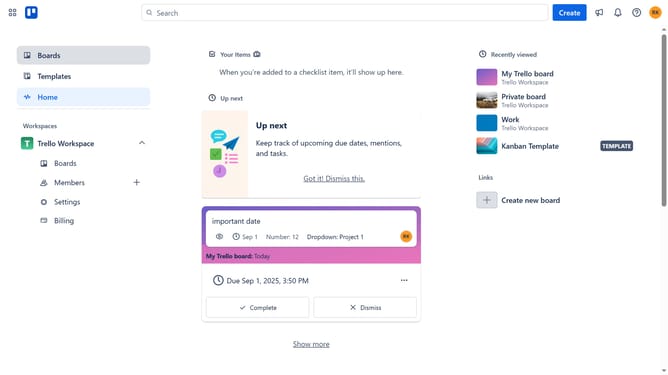
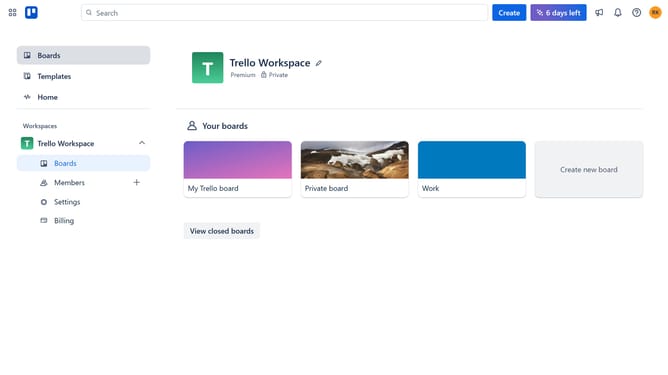
- First click on the "Boards" option in the left sidebar
- Then click a board in the workspace section
- Click the "More" menu button (three dots) in the top-right corner of the board
- Select "Power-Ups" option from the dropdown menu
- Scroll down in the power-ups list
- Select "IT & project management" category from the left sidebar
- Click the "Add" button under the Balsamiq Wireframes Power-Up
- Finally click the "Add" button in the confirmation dialog to install the Power-Up
Why should you add balsamiq wireframes in Trello
Trello is a versatile project management tool designed to streamline the organization and collaboration of tasks across teams.
Incorporating Balsamiq wireframes into Trello takes this collaboration a step further, enabling users to visually conceptualize designs directly within their workflow. This integration allows teams to seamlessly align their design and development processes.
By embedding Balsamiq wireframes in Trello, projects benefit from enhanced clarity and communication, resulting in more efficient project executions and innovative outcomes.
Last update