How to add notejoy power-up in Trello
Here is how to add notejoy power-up in trello
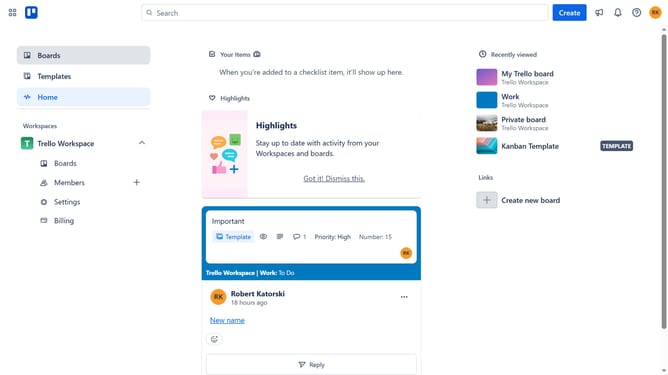
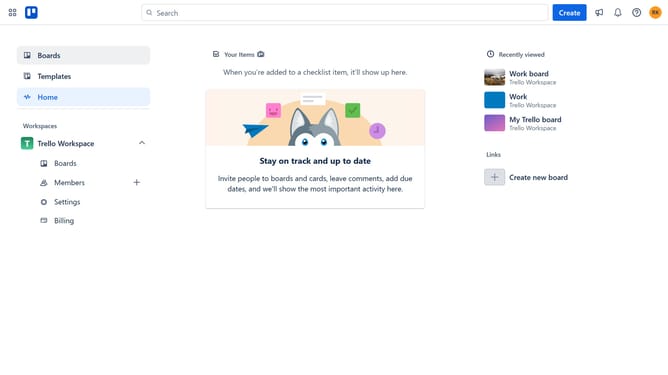
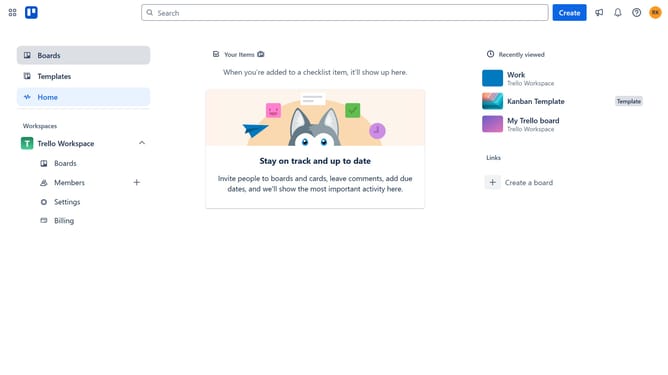
- First click on "Boards" in the left sidebar menu
- Then click a board in the workspace section
- Next click on "More" menu button (three dots) in the top-right corner of the board
- Then click on "Power-Ups" option in the dropdown menu
- In the Power-Ups menu, click on "Communication & collaboration" category in the left sidebar
- Then click on "Add" button under the Notejoy Power-Up card
- Finally click on "Add" button in the Notejoy confirmation dialog to install it
Why should you add notejoy power-up in Trello
Trello is a versatile visual tool designed for organizing tasks and projects seamlessly.
Integrating the Notejoy power-up into your Trello board enhances your experience by allowing collaborative note-taking directly within your tasks.
This feature is incredibly beneficial for team collaboration, as it centralizes your notes and ideas, keeping everything in sync with your project workflow.
By adding Notejoy, you ensure all project-related information is easily accessible and well-organized, promoting efficiency and clarity among team members.
Last update