How to add service desk power-up in Trello
Here is how to add service desk power-up in trello
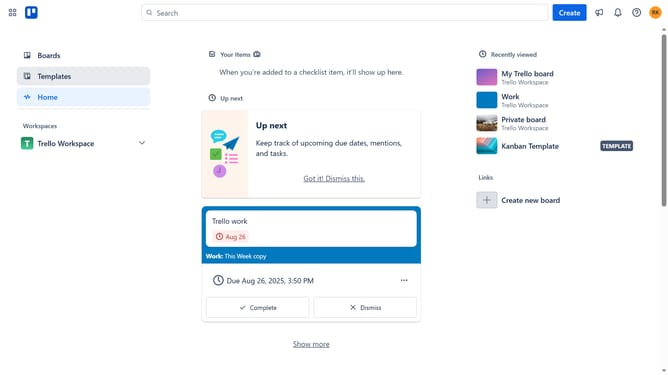
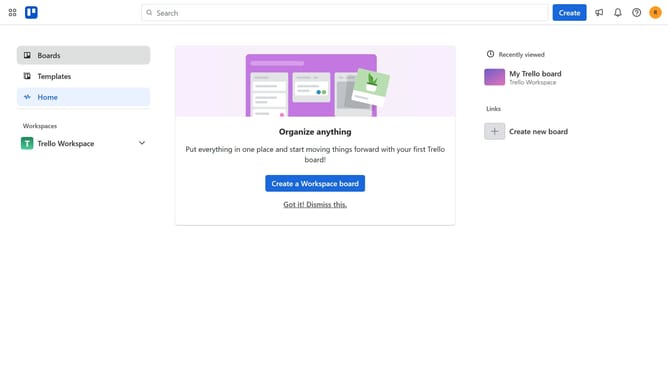
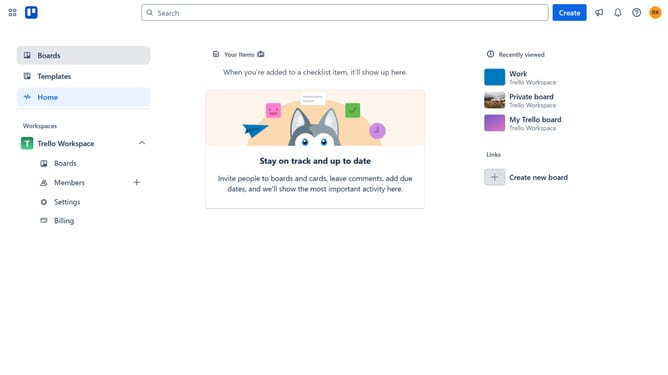
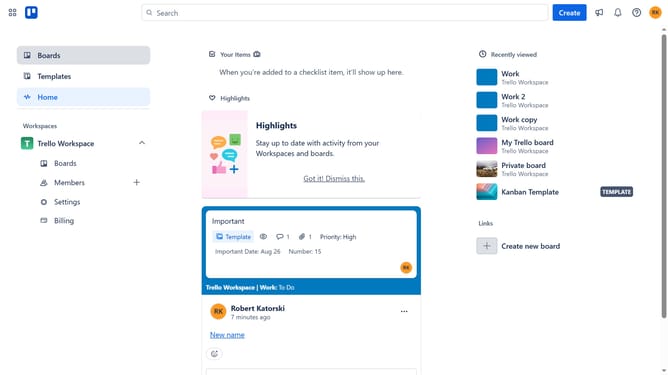
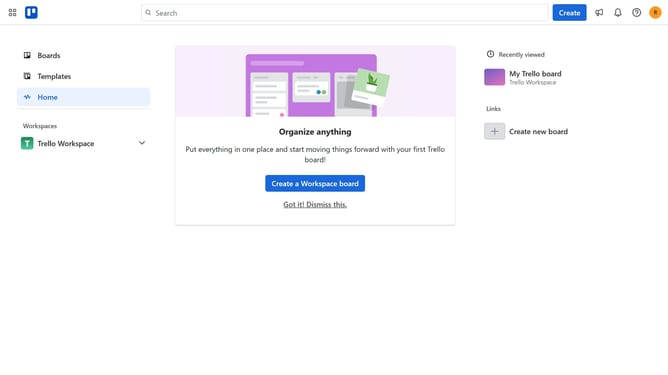
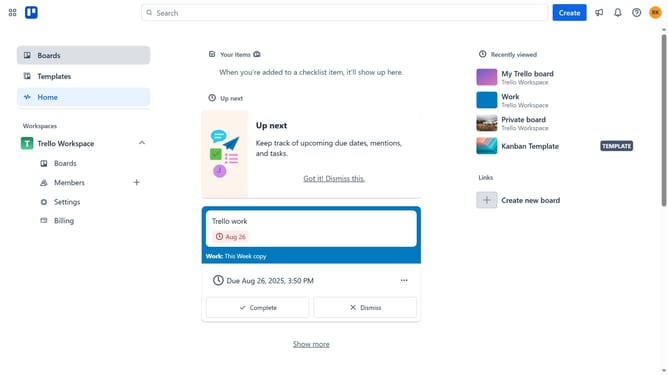
- First click on the "Boards" option in the left sidebar
- Then click a board in the main workspace area
- Next click on the "more options" (three dots) button in the top-right corner of the board
- Select "Power-Ups" from the menu options
- Scroll down in the power-ups menu
- Click the "Sales & support" category in the left sidebar menu
- Click the "Add" button next to the "Service Desk (Form, Email) by Hipporello" power-up
- Finally click the "Add" button in the confirmation dialog to install the power-up
Why should you add service desk power-up in Trello
Trello is a versatile project management tool designed to streamline workflow organization.
Enhancing Trello with the service desk power-up brings customer support directly to your boards.
This feature allows for efficient ticket tracking and resolution, integrating seamlessly into your existing workflow.
Using this power-up can enhance team collaboration, improve response times, and boost customer satisfaction.
Last update