How to add lists and places power-up in Trello
Here is how to add lists and places power-up in trello
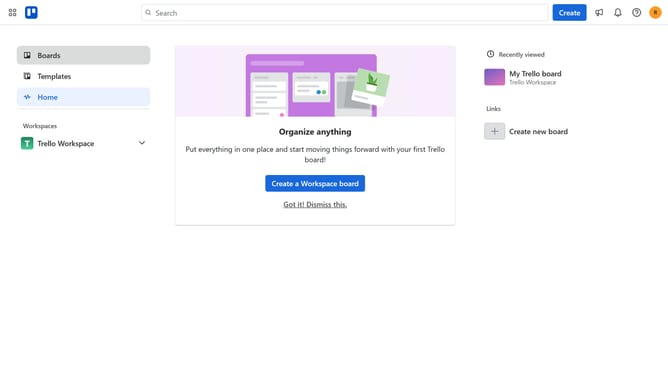
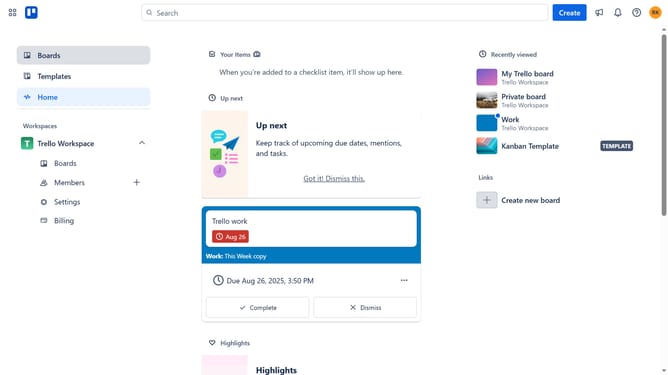
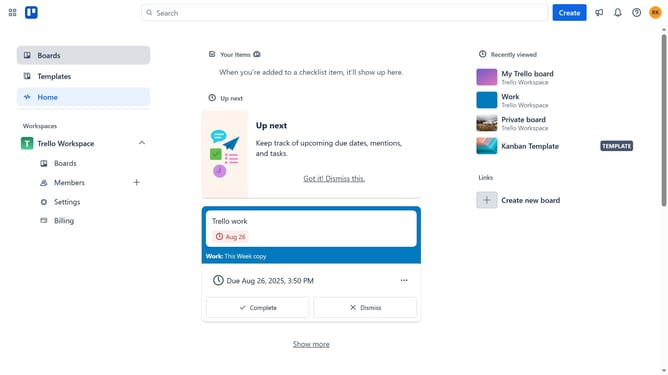
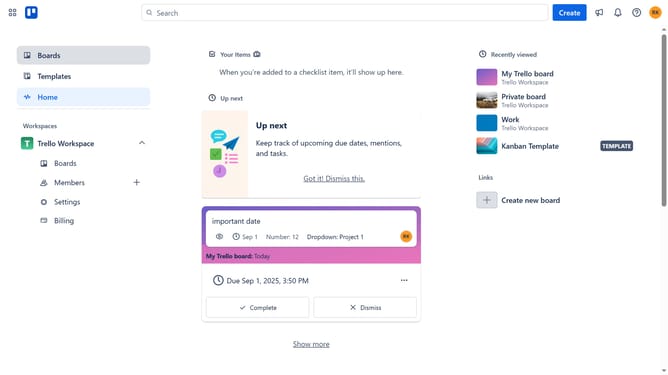
- First click on "Boards" in the left sidebar menu
- Then click a board in the workspace area
- Click the "More options" button (three dots) in the top-right corner of the board
- Select "Power-Ups" from the dropdown menu
- Click on "Automation" category in the left sidebar of the Power-Ups window
- Scroll down in the automation list menu
- Click on "Add" button for the Lists & Places Power-Up
- Finally click the "Add" button in the confirmation dialog to install the Lists & Places power-up
Why should you add lists and places power-up in Trello
Trello is a visual tool crafted to streamline workflow and enhance productivity with its intuitive task management system.
Introducing lists and places power-ups in Trello amplifies its functionality by allowing users to visually categorize tasks and pinpoint spatial data effortlessly.
Utilizing these features fosters better organization and geographical awareness, offering clarity and context to project management without overwhelming users with complexity.
Ultimately, this enhances collaboration and ensures projects progress smoothly and efficiently.
Last update