How to add 4in1 productivity pack in Trello
Here is how to add 4in1 productivity pack in trello
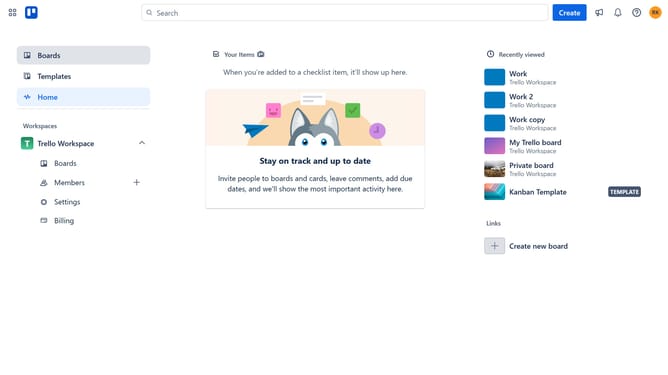
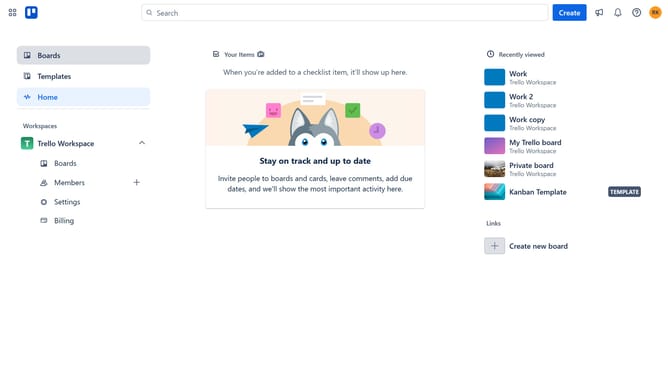
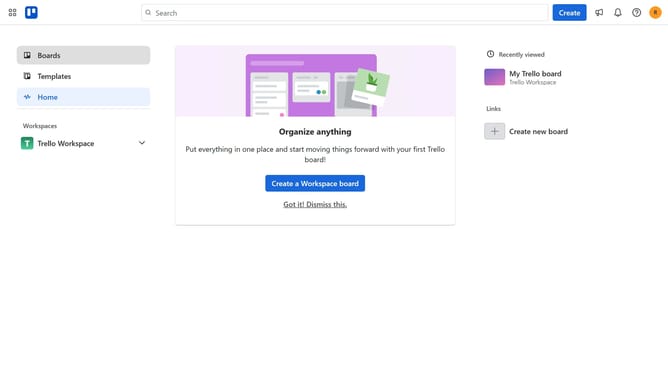
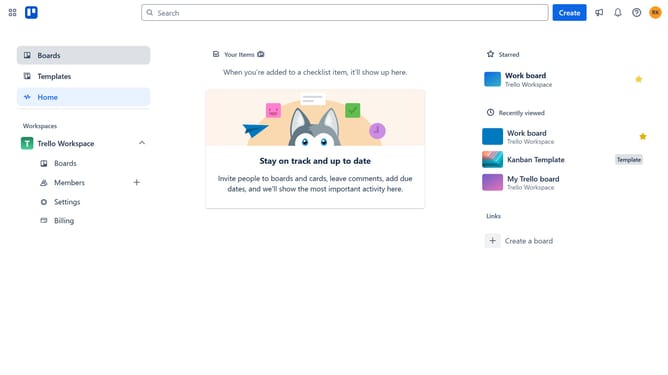
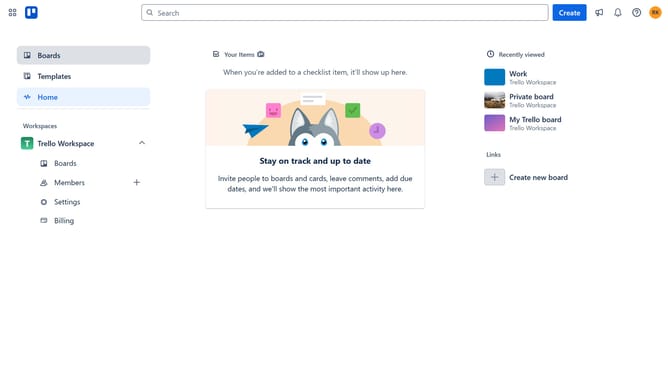
- First click on the "Boards" option in the left sidebar menu
- Then click a board in the workspace section
- Click on the "More" (three dots) menu button in the board header
- Scroll down in the menu option dropdown
- In the right sidebar menu, click on "Power-Ups" option
- Select "Automation" category from the left sidebar of Power-Ups window
- Click on the "4in1 Productivity Pack" power-up's "Add" button
- Finally click the "Add" button in the confirmation dialog to install the power-up
Why should you add 4in1 productivity pack in Trello
Trello is a dynamic project management tool that transforms the way teams collaborate and organize tasks.
The 4in1 productivity pack in Trello enhances this functionality by seamlessly integrating four powerful features into one package.
By adding this pack, users can streamline their workflow, prioritize tasks more effectively, and boost overall productivity.
Designed for efficiency, the 4in1 productivity pack empowers users to maximize their project outcomes with minimal effort.
Last update