How to filter cards due in the next month in Trello
Here is how to filter cards due in the next month in trello
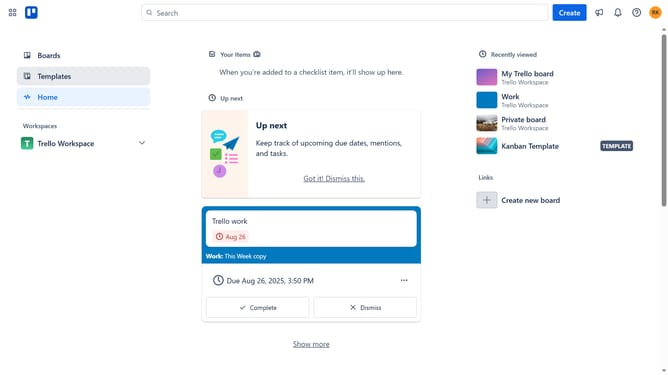
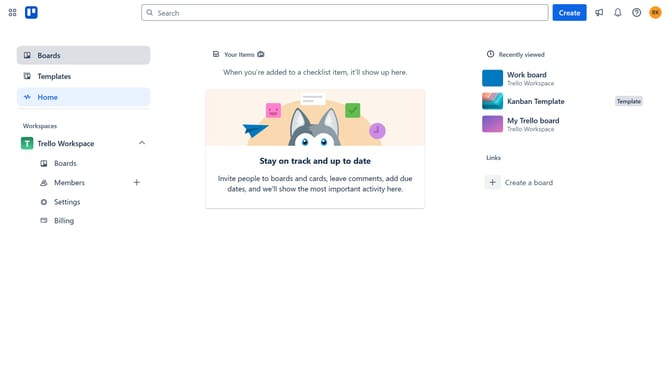
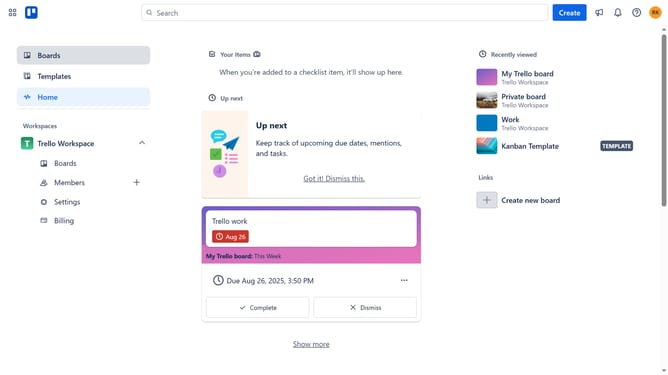
- First click on the "Boards" option in the left sidebar
- Then click on a board workspace section
- Next click on the "Filter" icon in the board header to open filtering options
- Finally click the checkbox next to "Due in the next month" in the filter list
Why should you filter cards due in the next month in Trello
Trello is a versatile project management tool designed to streamline your workflow with clarity and efficiency.
Filtering cards due in the next month in Trello allows you to focus on upcoming tasks without distractions. This feature ensures you stay ahead of deadlines by highlighting tasks that require imminent attention.
By narrowing your view to these cards, you're able to effectively prioritize your workload. This targeted approach not only boosts productivity but also enhances your ability to plan and allocate resources effectively in the weeks ahead.
Last update