How to add saved filters - tiny power-ups club in Trello
Here is how to add saved filters - tiny power-ups club in trello
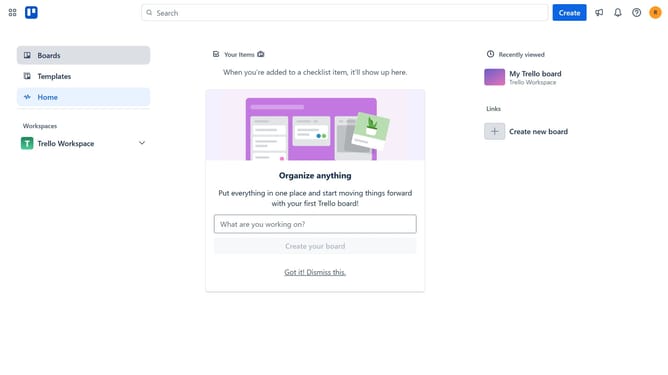
- First click on the "Boards" option in the left sidebar menu
- Then click a board in the workspace area
- Next click on the menu button (three dots) in the top-right corner of the board
- Then click on "Power-Ups" option in the dropdown menu
- Navigate to and click on "Board utilities" category in the Power-Ups menu
- Then click on the "Add" button for "Saved Filters - Tiny Power-Ups Club"
- Finally click on the "Add" button in the confirmation dialog to install the Power-Up
Why should you add saved filters - tiny power-ups club in Trello
Trello is a dynamic project management tool designed to streamline your workflow and boost productivity seamlessly.
Adding saved filters is one of its tiny power-ups from the club that can enhance functionality incredibly.
This feature allows users to categorize and access their boards efficiently by filtering specific project details effortlessly.
Utilizing saved filters makes managing tasks more straightforward and time-efficient, allowing you to focus on what truly matters.
Last update