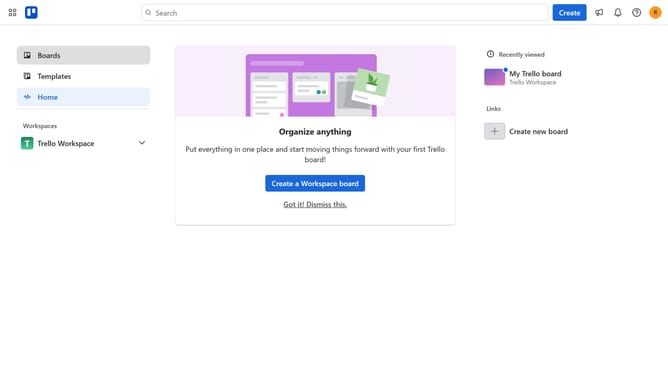
How to add zapier power-up in Trello
Here is how to add zapier power-up in trello
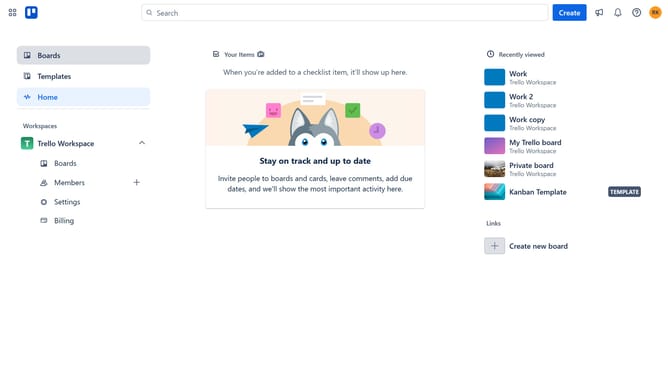
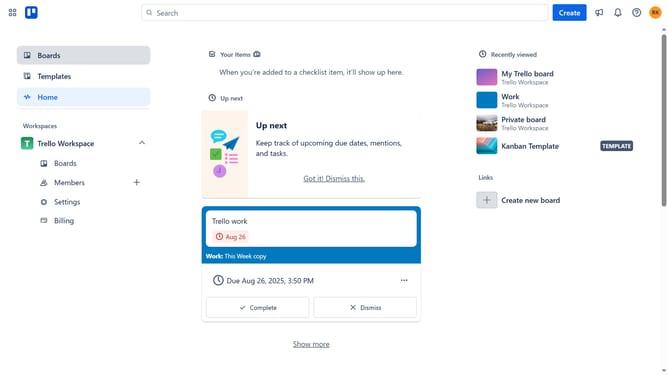
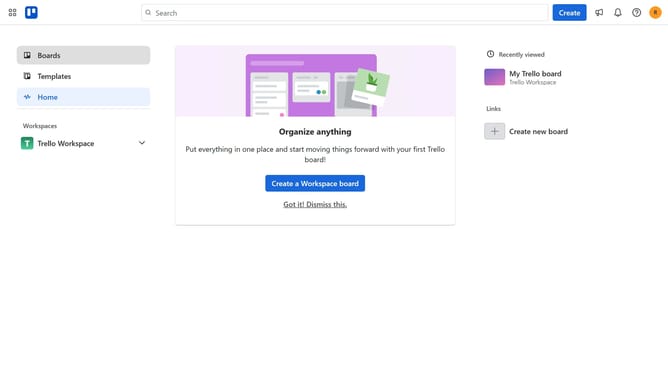
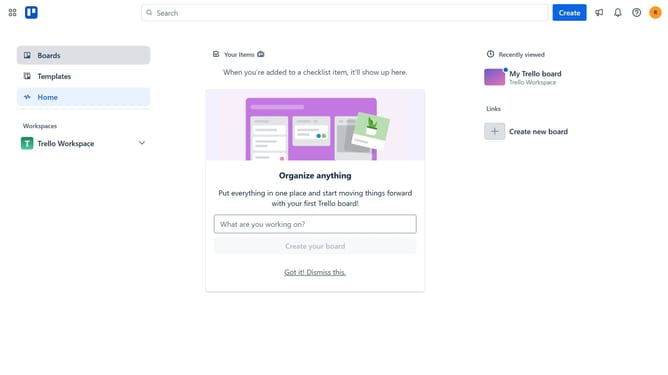
- First click on the "Boards" section in the left sidebar
- Then click a board in the workspace section
- Next click on the "More" menu (three dots) button in the top-right corner of the board
- Then scroll down in the menu settings
- Next click on "Automation" category in the left sidebar of the Power-Ups window
- Then click on the "Automation" option in the right sidebar menu
- Next click on "Add" under the "Zapier" power-up for Trello
- Finally click on "Add" button for the Zapier Power-Up integration
Why should you add zapier power-up in Trello
Trello is a versatile project management tool designed to organize tasks seamlessly.
Integrating the Zapier power-up into Trello enhances its functionality by facilitating automation between Trello and other apps.
This integration ensures that your Trello boards are updated dynamically, improving efficiency without manual intervention.
By connecting Zapier with Trello, you streamline workflows, freeing up time for more strategic initiatives and fostering a more organized, productive workspace.
Last update