How to add card repeater power-up in Trello
Here is how to add card repeater power-up in trello
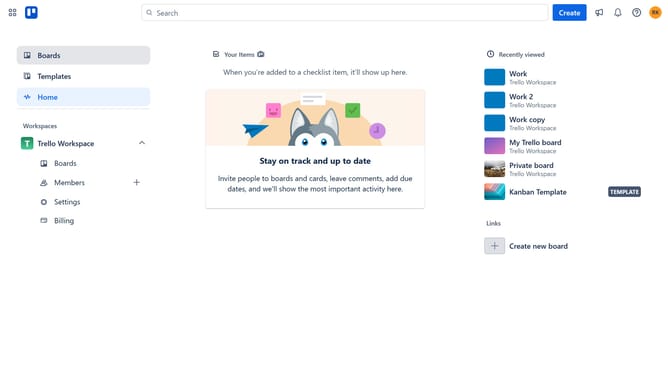
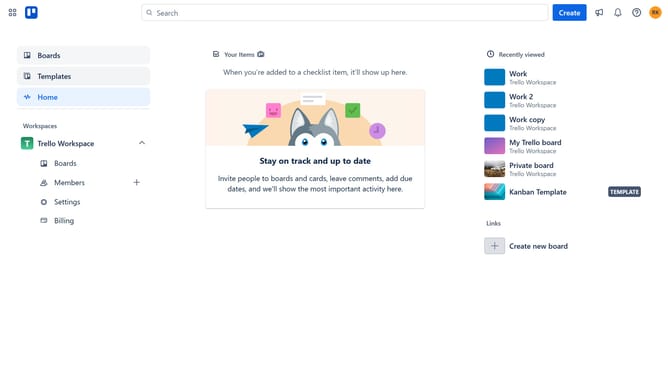
- First click on the "Boards" option in the left sidebar menu
- Then click a board in the workspace area
- Next click on the "More options" (three dots) button in the top-right corner of the board
- Then click on the "More" (three dots) menu button in the top-right cornercorner
- Next click on the "Power-Ups" option in the dropdown menu
- Then scroll down in the automation list
- Finally click the "Add" button in the confirmation dialog to install the Card Repeater power-up
Why should you add card repeater power-up in Trello
Trello is a versatile tool designed to streamline project management and enhance collaboration with its intuitive board system.
Adding the Card Repeater Power-Up to Trello unlocks the ability to automate task recurrence effortlessly. This feature is ideal for those routine tasks that need attention at regular intervals, saving valuable time by reducing manual duplication.
With the Card Repeater Power-Up, users can maintain their focus on more complex tasks by ensuring that routine actions are scheduled automatically. As a result, teams enjoy improved productivity and better task management without the hassle of repetitive administration.
Last update