How to add screen & webcam recording power-up in Trello
Here is how to add screen & webcam recording power-up in trello
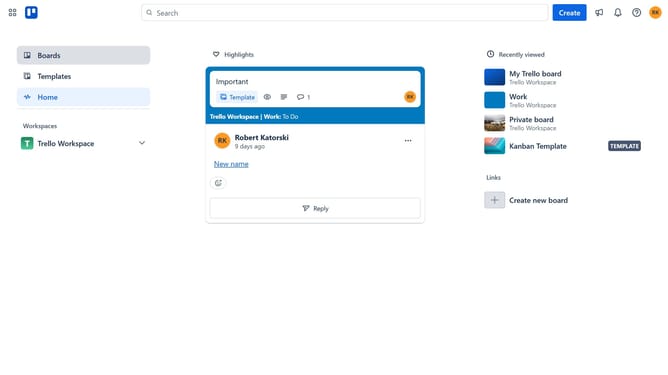
- First click on the "Boards" item in the left sidebar
- Then click a board in the workspace section
- Click the "More" menu button (three dots) in the top-right corner
- Click on "Power-Ups" option in the dropdown menu
- Select "Communication & collaboration" category from the left sidebar
- Click the "Add" button under the "Screen & webcam recording(sags.digital) power-up
- Finally click the "Add" button in the Screen & webcam recording power-up confirmation dialog to install it
Why should you add screen & webcam recording power-up in Trello
Trello is a versatile tool designed to streamline project management and enhance team collaboration.
By adding the screen and webcam recording power-up, users can effectively capture and share visual updates directly within their workflow.
This feature empowers teams to communicate more vividly, bridging the gap between written updates and real-time interactions.
Enhancing clarity and providing a personal touch, this power-up supports more efficient decision-making and aligns everyone on the same page without any hassle.
Last update