How to add attachments archive power-up in Trello
Here is how to add attachments archive power-up in trello
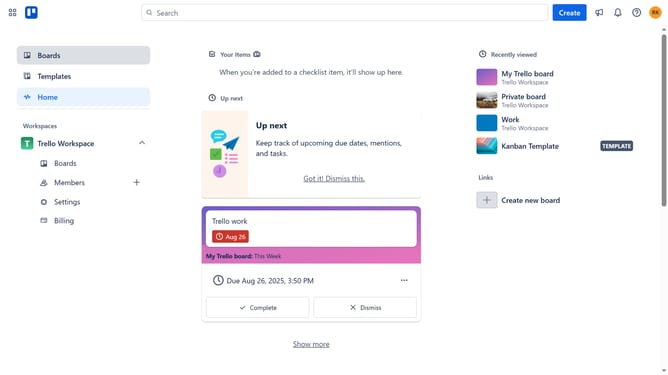
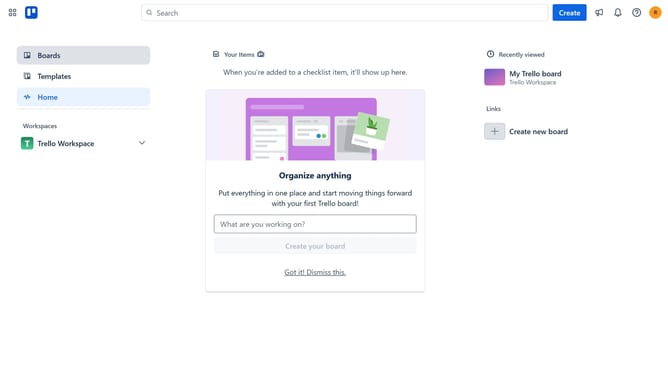
- First click on the "Boards" option in the left sidebar menu
- Then click a board tile in the workspace area
- Next click on the "More" menu (three dots) button in the top-right corner of the board
- Then click on "Power-Ups" option in the dropdown menu
- In the Power-Ups menu, click on "File management" category in the left sidebar
- Then click the "Add" button next to the "Attachments Archive" power-up
- Finally click the "Add" button in the confirmation dialog to install the Attachments Archive power-up
Why should you add attachments archive power-up in Trello
Trello is an intuitive project management tool designed to help individuals and teams organize tasks efficiently.
Adding the attachments archive power-up in Trello enhances your board by providing a streamlined way to manage and declutter files. This feature simplifies the process of archiving outdated or unnecessary attachments, allowing for a tidier workspace.
Utilizing this power-up offers the benefit of improved organization and easier access to important documents, ensuring that team members can locate relevant files swiftly and maintain productivity.
Last update