How to add list time tracker in Trello
Here is how to add list time tracker in trello
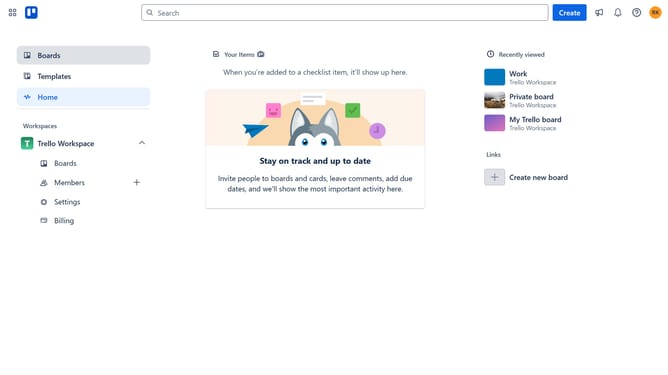
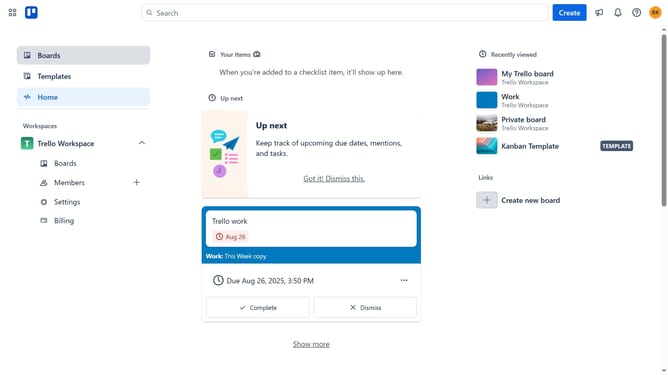
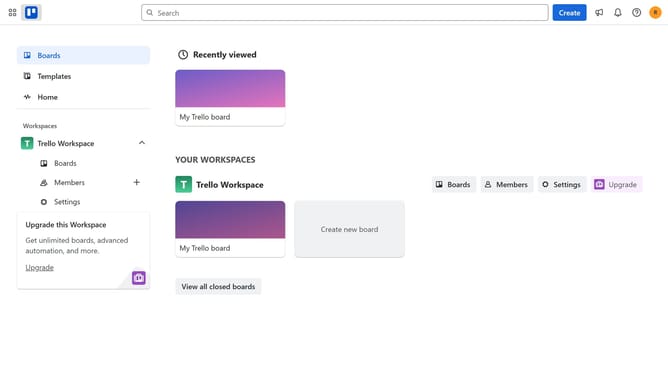
- First click on the "Boards" option in the left sidebar menu
- Then select a board from the workspace boards list
- Click on the more options menu ("...") in the top-right corner of the board
- Select "Power-Ups" from the dropdown menu
- Click on "Analytics & reporting" category in the Power-Ups menu
- Scroll down to find "List Time Tracker" in the Analytics & reporting section
- Click the "Add" button under the List Time Tracker
- Finally click the "Add" button in the confirmation dialog to install the Power-Up
Why should you add list time tracker in Trello
Trello is an intuitive project management tool designed to streamline task organization and enhance collaboration.
By adding a list time tracker in Trello, you gain insight into the duration tasks spend in each list. This feature is crucial for identifying bottlenecks and optimizing workflow efficiency without the need for complex reports.
Using a time tracker fosters transparency and accountability within teams, ultimately improving productivity. It helps teams stay on track with deadlines and ensures resources are allocated effectively.
Last update