How to add backuplabs trello backup in Trello
Here is how to add backuplabs trello backup in trello
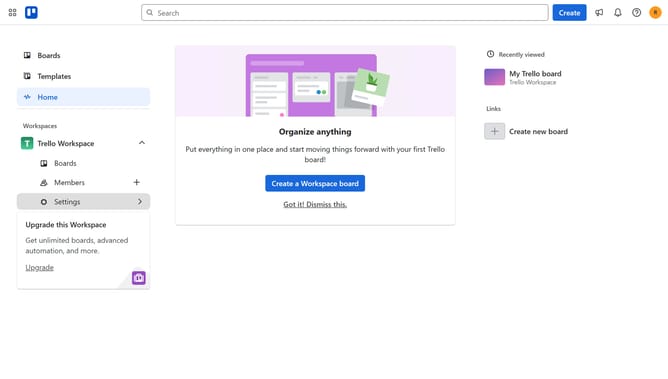
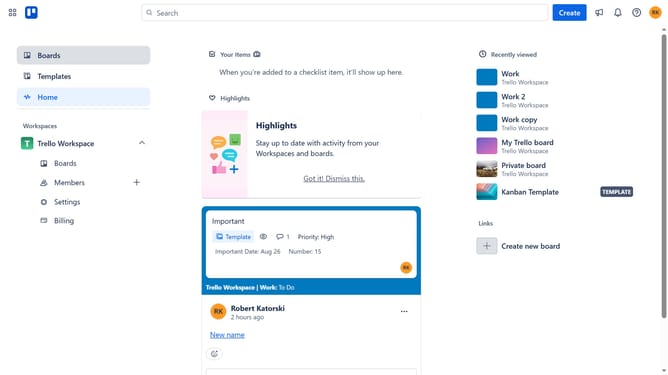
- First click on the "Boards" option in the left sidebar
- Then click a board in the workspace section
- Click on the "More" menu (three dots) button in the top-right corner of the board
- Select "Power-Ups" from the dropdown menu
- Click on "Board utilities" category in the Power-Ups sidebar
- Click on the "Add" button under the "BackupLABS Trello Backup" power-up
- Finally click the "Add" button to install the BackupLABS Trello Backup power-up
Why should you add backuplabs trello backup in Trello
Trello is a versatile project management tool that helps teams organize and prioritize tasks effectively.
Adding Backuplabs for Trello backup is an essential feature for safeguarding your project data within Trello.
This integration ensures that all your valuable boards, cards, and lists are securely backed up, providing peace of mind.
With Backuplabs, you can effortlessly restore your data when needed, eliminating the worry of data loss and maintaining seamless project continuity.
Last update