How to add startadam power-up in Trello
Here is how to add startadam power-up in trello
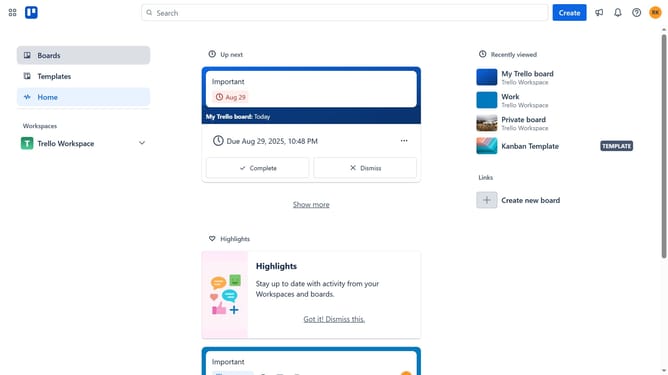
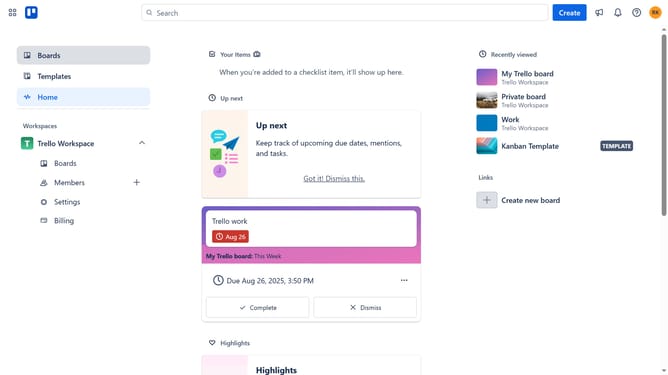
- First click on the "Boards" option in the left sidebar
- Then click a board in the workspace section
- Next click on the "More" button (three dots) in the top-right corner of the board
- Scroll down in the dropdown menu
- In the dropdown menu, click on "Power-Ups" option
- Then click on "Automation" category in the left sidebar of the Power-Ups window
- Next click the "Add" button under the "Aivie" power-up in the Automation section
- Finally click the "Add" button in the Aivie power-up confirmation dialog to install it
Why should you add startadam power-up in Trello
Trello is a versatile tool designed to streamline task management and project collaboration.
The Startadam Power-Up enhances your Trello experience by integrating automated workflows and seamless time management tools. Adding this power-up can revolutionize how teams tackle projects, offering a more efficient way to organize tasks and resources.
By leveraging the Startadam Power-Up, users benefit from improved productivity, as it brings clarity and structure to card management. This Power-Up provides clear insights and reduces manual effort, making it a vital addition for anyone looking to optimize their Trello boards.
Last update