How to copy a list in Trello
Here is how to copy a list in trello
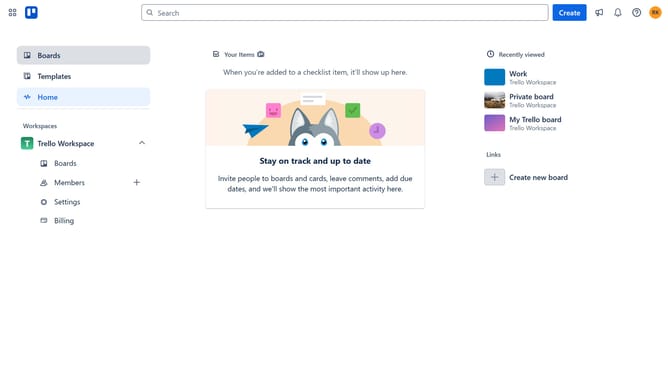
- First click on the "Boards" option in the left sidebar
- Then click on a board in the workspace area
- Next click the menu button (...) on the list header you want to copy
- Then click on "Copy list" option from the dropdown menu
- Click on the name input field if you want to change the name
- Finally click on the "Create list" button to complete the list copying
Why should you copy a list in Trello
Trello is a powerful, intuitive tool designed to streamline project management and enhance collaboration.
One of its useful features is the ability to copy a list. This allows users to easily duplicate existing task lists, preserving their structure and contents. It’s perfect for recurring projects or tasks that need consistent templates.
By copying lists, teams can save time and reduce effort, focusing on productivity instead of repetitive setup. It ensures consistency across projects, fostering efficiency and simplicity.
Last update