How to add time tracker by timecamp in Trello
Here is how to add time tracker by timecamp in trello
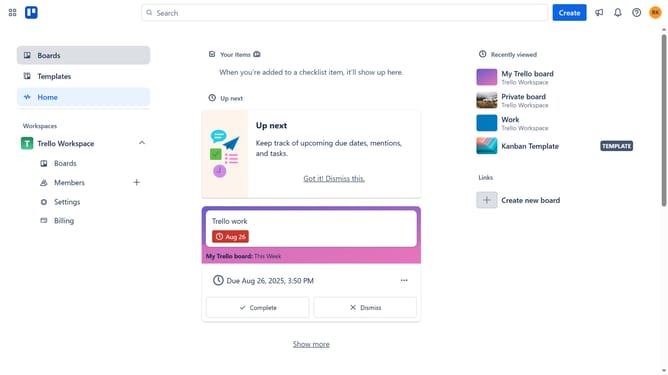
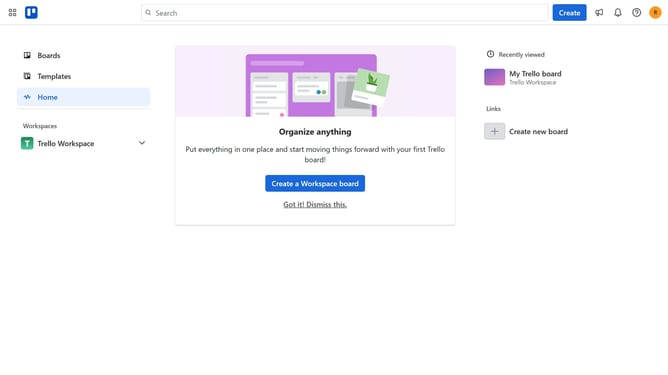
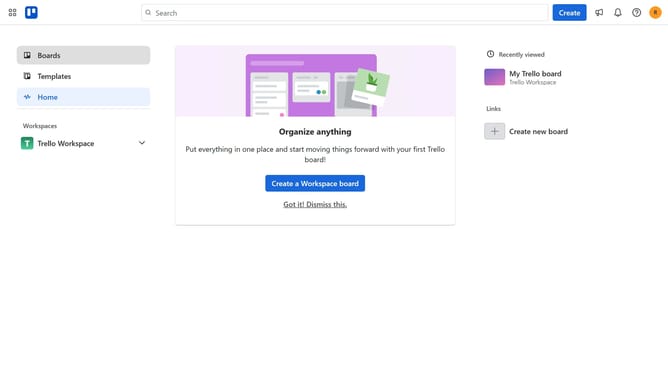
- First click on "Boards" item in the left sidebar
- Then click a board in the workspace section
- Next click on the menu button ("...") in the top-right corner of the board
- Then click on "Power-Ups" option in the dropdown menu
- Next click on "Analytics & reporting" category in the Power-Ups menu
- Then click the "Add" button under the "Time Tracker by TimeCamp" power-up in the list
- Finally click on "Add" button in the Time Tracker confirmation dialog
Why should you add time tracker by timecamp in Trello
Trello is a versatile project management tool designed to enhance team collaboration with its intuitive, card-based interface.
Integrating TimeCamp's time tracker into Trello adds a layer of precision to project management. This feature allows teams to seamlessly track time spent on tasks, leading to more effective time management and productivity insights.
By simply adding the time tracking capability, teams can evaluate task durations, optimize workflows, and ensure deadlines are met with ease and accuracy.
Last update