How to add typeform sync power-up in Trello
Here is how to add typeform sync power-up in trello
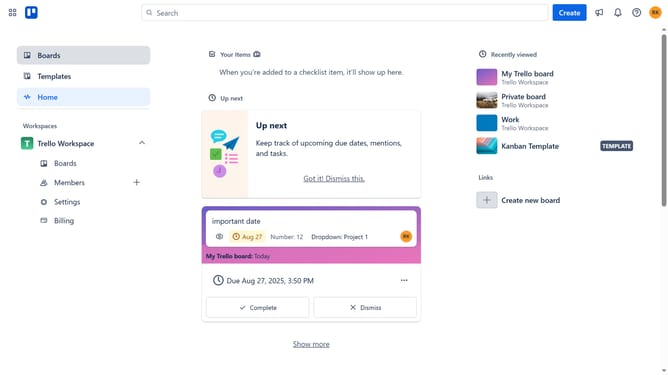
- First click on the "Boards" option in the left sidebar
- Then click a board in the workspace area
- Click the "More" menu (three dots) button in the top-right corner of the board
- Select "Power-Ups" option from the dropdown menu
- Click on the "Automation" category in the left sidebar of the Power-Ups window
- Scroll down in the automation list
- Click on the "Add" button for the Typeform Sync Power-Up
- Finally click the "Add" button in the confirmation dialog to install the Power-Up
Why should you add typeform sync power-up in Trello
Trello is a robust project management tool designed to enhance team collaboration with its easy-to-use boards and lists.
Integrating the Typeform Sync Power-Up into Trello streamlines data collection and project organization. Once added, all your Typeform survey responses link directly into your Trello boards, ensuring you have immediate access to real-time data without switching contexts.
This seamless sync empowers teams to make faster decisions, keep projects on track, and foster a more efficient workflow. Enjoy the benefits of effortless data management and enhanced productivity!
Last update