How to add private notes power-up in Trello
Here is how to add private notes power-up in trello
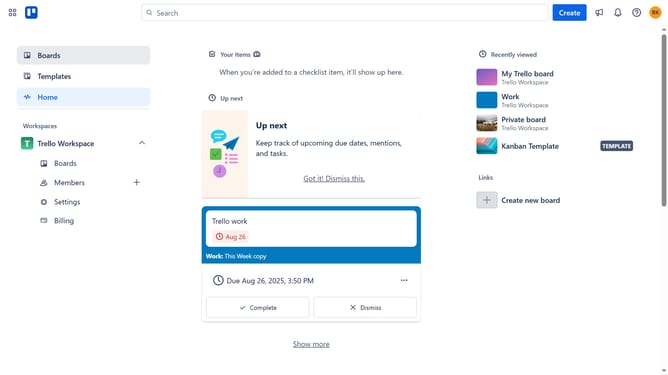
- First click on the "Boards" option in the left sidebar
- Then click a board in the workspace section
- Click the "More" (three dots) button in the top-right corner of the board
- Select "Power-Ups" option from the dropdown menu
- Click on "Communication & collaboration" category in the left sidebar
- Scroll down in the communication & collaboration list
- Finally click the "Add" button in the confirmation dialog to install the Power-Up
Why should you add private notes power-up in Trello
Trello is a highly versatile project management tool designed to streamline your workflow and boost productivity.
The Private Notes Power-Up in Trello allows users to jot down ideas and reminders without cluttering the main board. It's perfect for professionals who need to keep track of their thoughts and insights privately.
Using this feature fosters a more organized work environment, enhances personal productivity, and ensures sensitive information remains discreetly accessible. With Private Notes, you maintain focus and clarity, essential for effective project management.
Last update