How to filter cards with no due date in Trello
Here is how to filter cards with no due date in trello
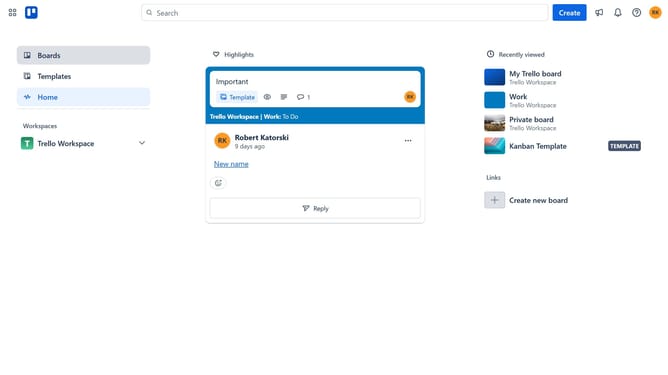
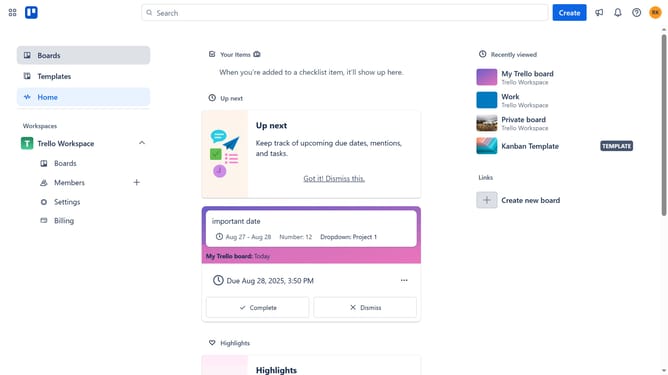
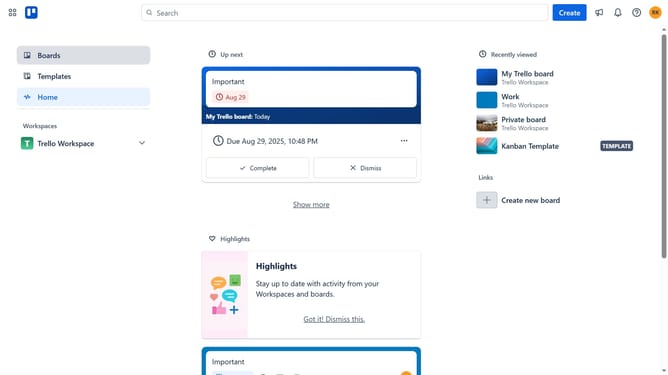
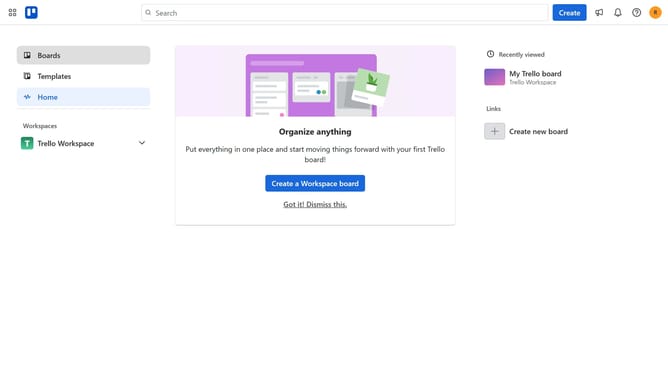
- First click on the "Boards" option in the left sidebar
- Then click on a board in the workspace section
- Next click on the "Filter" button in the top-right corner of the board
- Finally click the checkbox next to "No dates" in the filter list to show all cards without due dates
Why should you filter cards with no due date in Trello
Trello is an intuitive project management tool that helps you organize tasks with simplicity and flexibility.
The ability to filter cards with no due date in Trello is a powerful feature for maintaining focus and prioritizing work effectively. By easily identifying tasks that require scheduling, users can ensure these tasks receive the attention they need to keep projects on track.
This feature enhances workflow management by minimizing oversight and helps teams allocate resources efficiently. As a result, users can achieve greater productivity by staying organized and addressing tasks promptly.
Last update