How to sort list by due date in Trello
Here is how to sort list by due date in trello
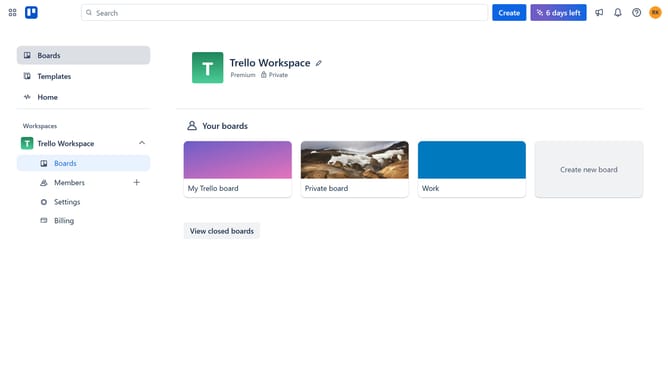
- First click on the "Boards" option in the left sidebar
- Then click a board in the workspace area
- In the board view, click on the "List actions" menu (three dots) next to the list you want to sort
- Next click on the "Sort by..." option in the list actions menu
- Finally select "Due date" from the sorting options dropdown
Why should you sort list by due date in Trello
Trello is a versatile platform designed to streamline organization and collaboration in any project.
One key feature is the ability to sort lists by due date, which enhances task management by prioritizing what needs immediate attention.
This helps users focus on tasks approaching deadlines, ensuring projects stay on track and deadlines are met.
Using this feature simplifies workflow, leading to increased productivity and reduced stress, allowing teams to achieve their goals more efficiently.
Last update