How to add quickbooks time tracking power-up in Trello
Here is how to add quickbooks time tracking power-up in trello
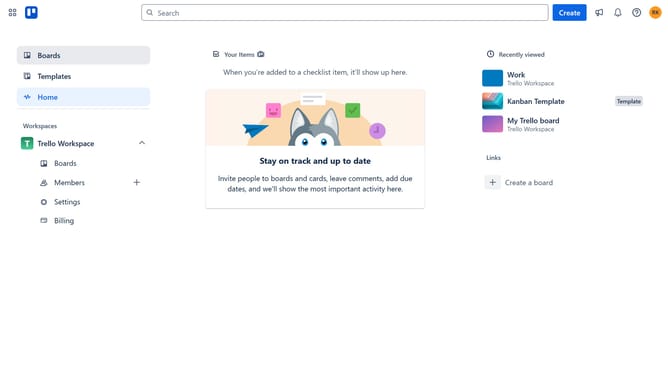
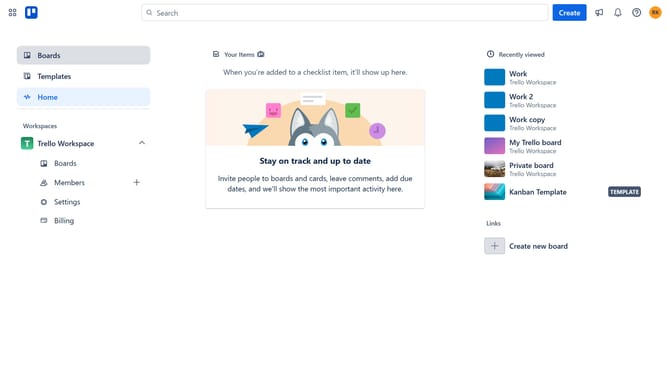
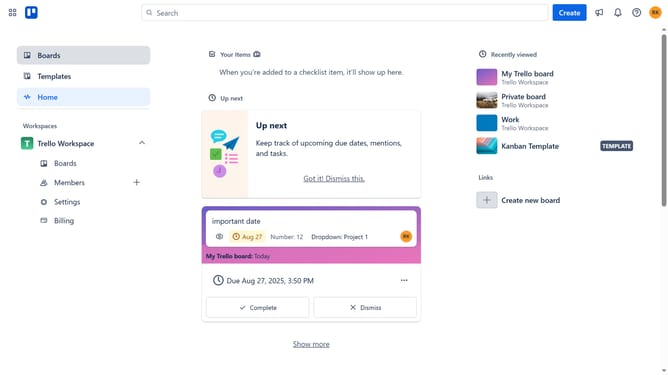
- First click on the "Boards" item in the left sidebar
- Then click a board in the workspace section
- Click the "More options" button (three dots) in the top right corner of the board
- Select "Power-Ups" from the dropdown menu
- Scroll down in the power-ups list
- Select "IT & project management" from the categories list
- Click the "Add" button on the Quickbooks Time Tracking power-up card
- Finally, click the "Add" button in the confirmation dialog to install the power-up
Why should you add quickbooks time tracking power-up in Trello
Trello is a dynamic project management tool designed for streamlined task organization and collaboration.
Integrating the QuickBooks Time Tracking Power-Up into Trello enhances your project management by adding precise time-tracking capabilities directly onto your task boards. This seamless addition allows team members to log hours effortlessly, providing greater visibility into project timelines and resource allocation.
Utilizing QuickBooks Time Tracking not only improves accuracy in billing but also aids in recognizing productivity patterns, ensuring projects stay on track and within budget.
Last update