How to add hipporello apps power-up in Trello
Here is how to add hipporello apps power-up in trello
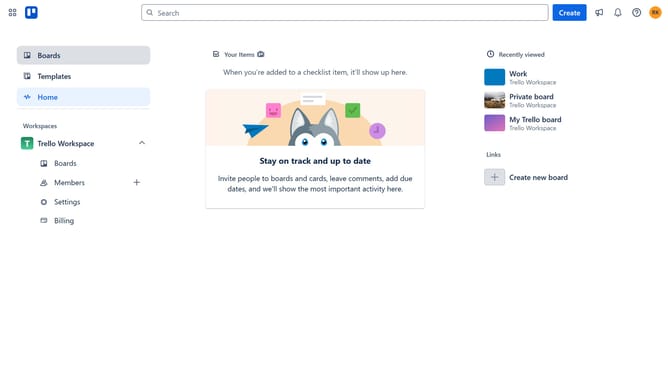
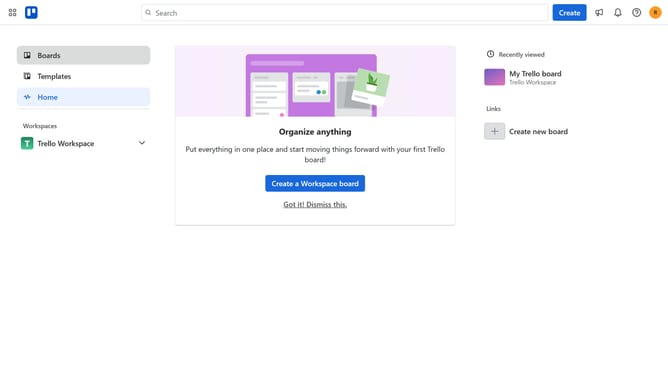
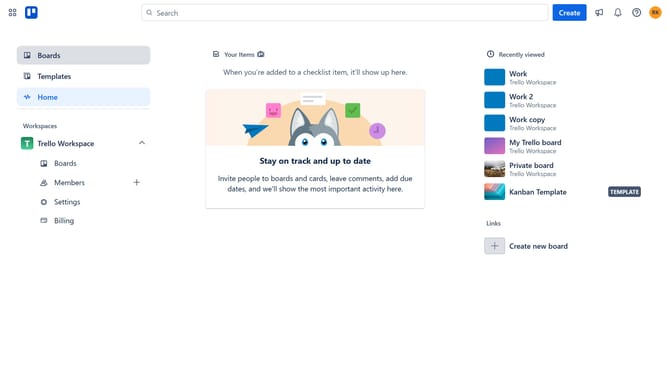
- First click on the "Boards" option in the left sidebar menu
- Then click a board in the workspace section
- Next click on the menu icon (three dots) in the top-right corner of the board
- In the dropdown menu, click on the "Power-Ups" option
- From the Power-Ups categories in the left sidebar, click on "Developer tools"
- Click on the "Add" button under the "Hipporello Apps" power-up card
- Finally click the "Add" button to install the Hipporello Apps power-up
Why should you add hipporello apps power-up in Trello
Trello is a dynamic visual tool that helps teams collaborate and organize their projects effortlessly.
Integrating the Hipporello Apps power-up with Trello can drastically enhance users’ project management capabilities. This feature allows smooth ticket management directly within Trello boards, streamlining workflow and improving team communication.
By adding this power-up, users benefit from a more structured approach to managing tasks and issues, enabling faster response times and improved efficiency. Embrace this feature to take your project organization to the next level.
Last update