How to add qr action in Trello
Here is how to add qr action in trello
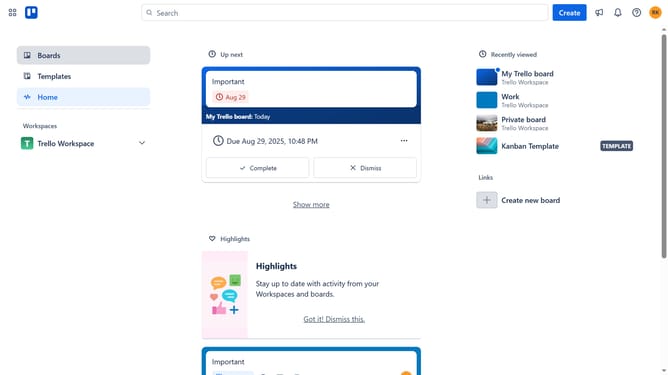
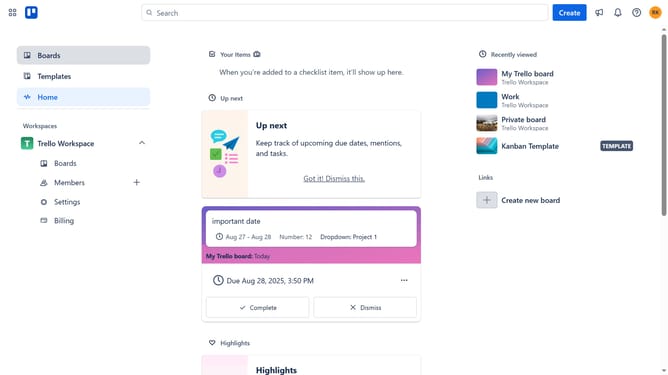
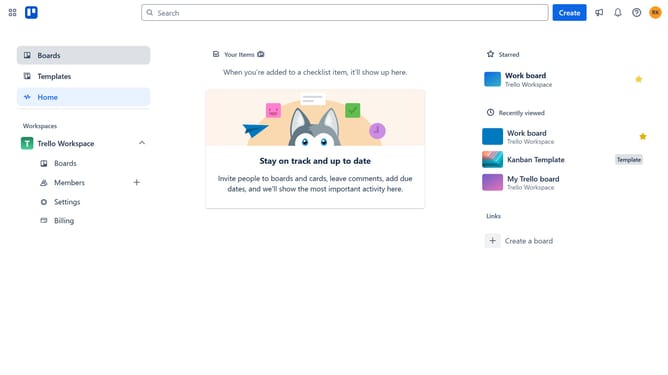
- First click on the "Boards" option in the left sidebar menu
- Then click a board in the main workspace area
- Click the "More options" (three dots) button in the top-right corner of the board
- Select "Power-Ups" from the dropdown menu
- Click on the "Automation" category in the left sidebar of the Power-Ups window
- Scroll down in the automation list
- Click the "Add" button under the "QR Action" power-up
- Finally click the "Add" button in the confirmation dialog to install the QR Action power-up
Why should you add qr action in Trello
Trello is a versatile project management tool that helps you organize tasks visually and collaborate with ease.
Adding QR actions in Trello enhances accessibility and streamlines task management by allowing for instant interaction with boards via simple scans.
This feature empowers teams to quickly access specific boards or tasks, making workflow smoother and more efficient.
By integrating QR actions, you can reduce time spent on navigation and improve project productivity and responsiveness.
Last update