How to add invention hub power-up in Trello
Here is how to add invention hub power-up in trello
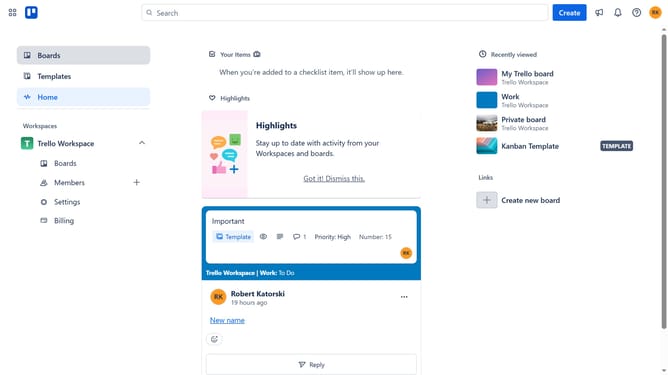
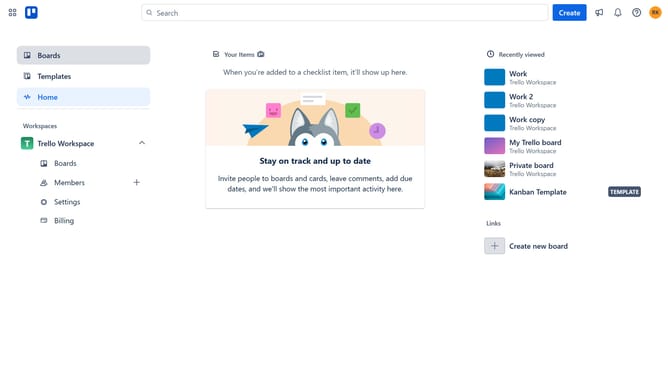
- First click on the "Boards" option in the left sidebar menu
- Then click a board in the workspace section
- Next click on the "More" menu button (three dots) in the top-right corner of the board
- Then click on the "Power-Ups" option in the board menu
- Next click on the "Analytics & reporting" category in the Power-Ups menu
- Then scroll down in the Power-Ups window
- Next click on the "Add" button for the Invention Hub Power-Up
- Finally click on the "Add" button in the confirmation dialog to install the Power-Up
Why should you add invention hub power-up in Trello
Trello is a versatile project management tool designed to streamline collaboration and productivity for teams globally.
Integrating the Invention Hub power-up in Trello enhances its capabilities, offering innovative solutions and tools that foster creativity.
This feature empowers teams by centralizing ideas, refining processes, and seamlessly integrating with existing workflows, leading to more efficient project management.
Using the Invention Hub power-up transforms Trello boards into thriving ecosystems of innovation, perfect for teams aiming to stay ahead of the curve.
Last update