How to add branch name power-up in Trello
Here is how to add branch name power-up in trello
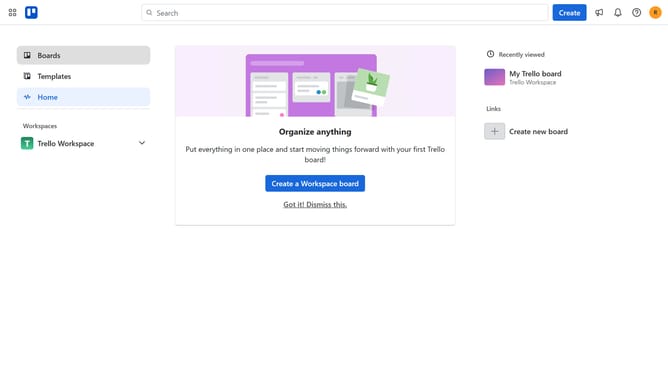
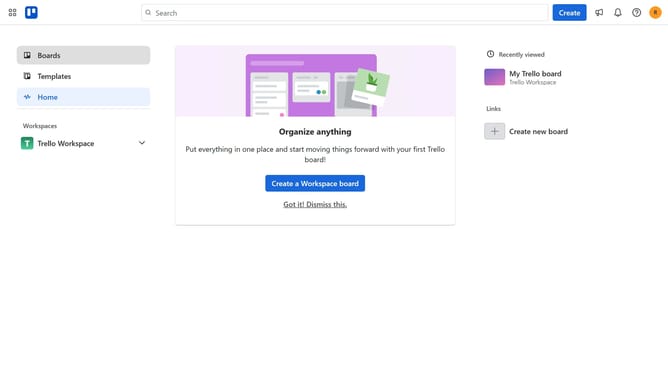
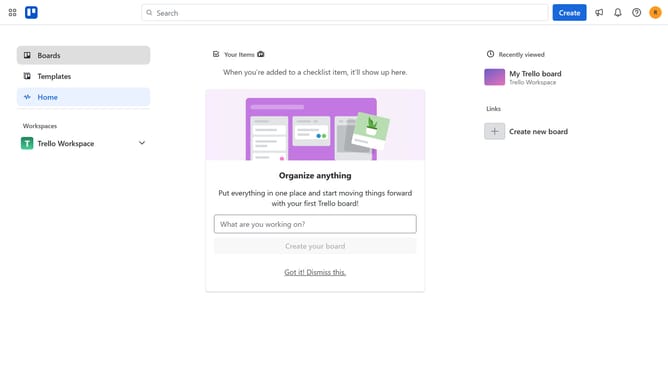
- First click on the "Boards" option in the left sidebar
- Then click a board in the workspace section
- Next click the "More" menu (three dots) button in the top-right corner of the board
- Click on the "Power-Ups" option in the dropdown menu
- Select the "Developer tools" category from the left sidebar in the Power-Ups window
- Click on the "Add" button under the "Branch Name" Power-Up
- Finally click the "Add" button in the Branch Name Power-Up confirmation dialog
Why should you add branch name power-up in Trello
Trello is a dynamic project management tool designed to simplify team collaboration and task organization.
Integrating the branch name power-up into Trello enhances your workflow by seamlessly linking project tasks with their respective code branches. This connection ensures your development team remains in sync, tracking project progress with precision.
By using the branch name power-up, Trello cards transform into powerful hubs of information, cementing continuity between code and task management, ultimately boosting productivity and reducing miscommunications.
Last update