How to add attachments transfer to sharepoint power-up in Trello
Here is how to add attachments transfer to sharepoint power-up in trello
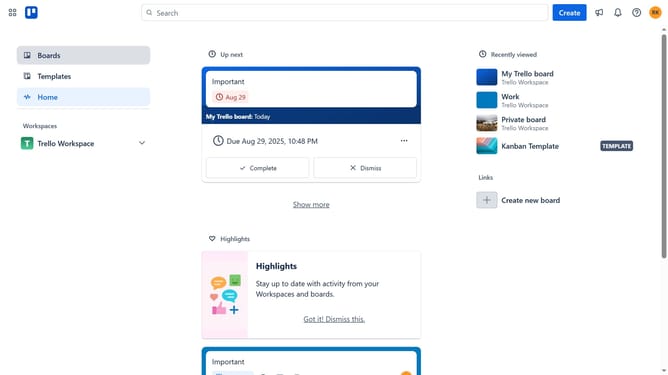
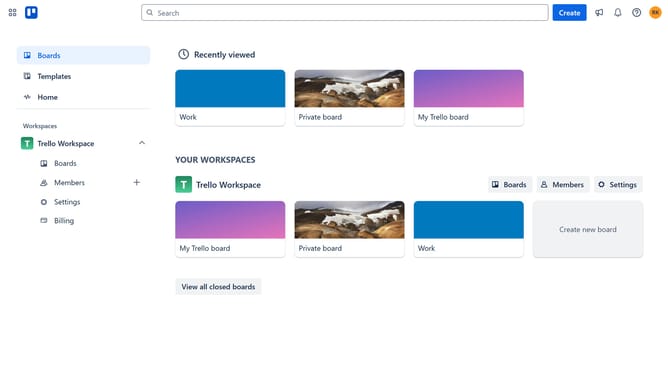
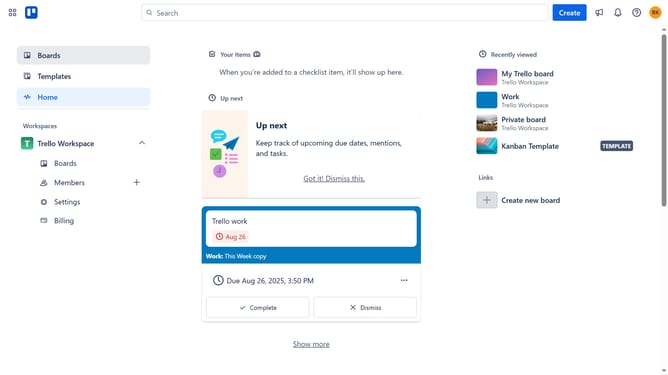
- First click on the "Boards" option in the left sidebar navigation
- Then click a board in the workspace section
- Next click on the "More" menu (three dots) button in the top-right corner of the board
- Then click on the "Power-Ups" option from the dropdown menu
- Next click on the "Communication & collaboration" category in the left sidebar
- Then click on the "Add" button under the "Attachments Transfer to SharePoint" Power-Up
- Finally click on the "Add" button in the confirmation dialog to install the Power-Up
Why should you add attachments transfer to sharepoint power-up in Trello
Trello is a versatile project management tool designed to streamline task organization with its intuitive card-based system.
The "attachments transfer to SharePoint" power-up in Trello enhances productivity by linking your Trello workspace seamlessly with SharePoint. This integration allows you to effortlessly transfer and store attachments from Trello cards directly to SharePoint, ensuring all your project files are centralized and easy to access.
Using this feature not only saves time but also enhances team collaboration by keeping all necessary files in one secure location. It's an efficient way to maintain organization while leveraging the strengths of both Trello and SharePoint.
Last update