How to add pocket a card by kryl solutions in Trello
Here is how to add pocket a card by kryl solutions in trello
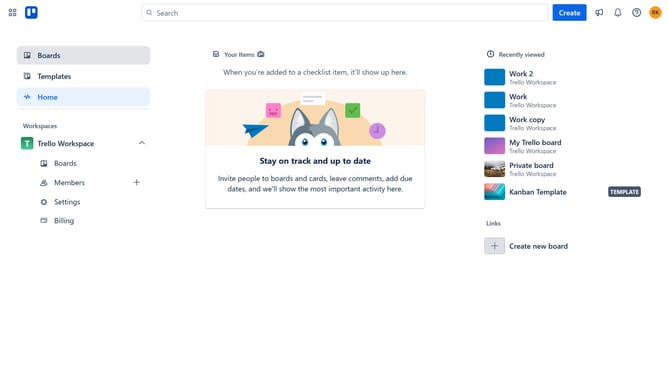
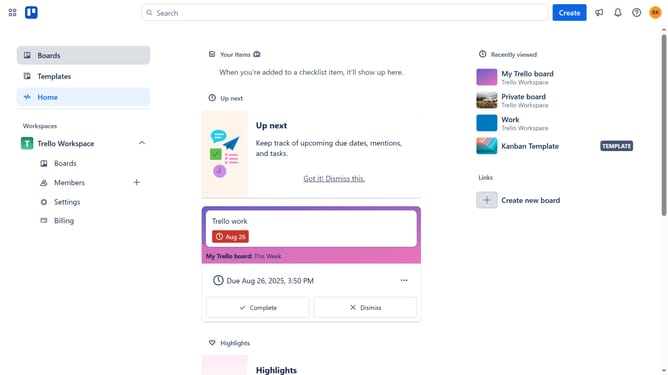
- First click on the "Boards" option in the left sidebar
- Then click a board in the workspace section
- Next click on the "More" menu button (three dots) in the top-right corner of the board
- Then select "Power-Ups" from the dropdown menu
- Click on the "Automation" category in the left sidebar of the Power-Ups window
- Next click on the "Add" button under the "Pocket a Card by Kryl Solutions" power-up
- Finally click the "Add" button to install the power-up
Why should you add pocket a card by kryl solutions in Trello
Trello is a flexible project management tool that simplifies task organization through its intuitive boards, lists, and cards.
Add Pocket Card by Kryl Solutions enhances Trello by seamlessly integrating your saved Pocket content into your workflow. This feature allows you to access and manage Pocket content directly from Trello, ensuring important information is always at hand without disrupting your project flow.
By integrating curated content from Pocket, you can enrich your projects with insightful resources, streamline content planning, and centralize knowledge, ultimately boosting productivity and task relevance.
Last update